25
ENGLISH
Meter Set-Up
Setting Up Your Meter
• To Enter Setup Mode
Start with the meter off (and no test strip inserted).
Press and firmly hold the “
m” (mode) button until
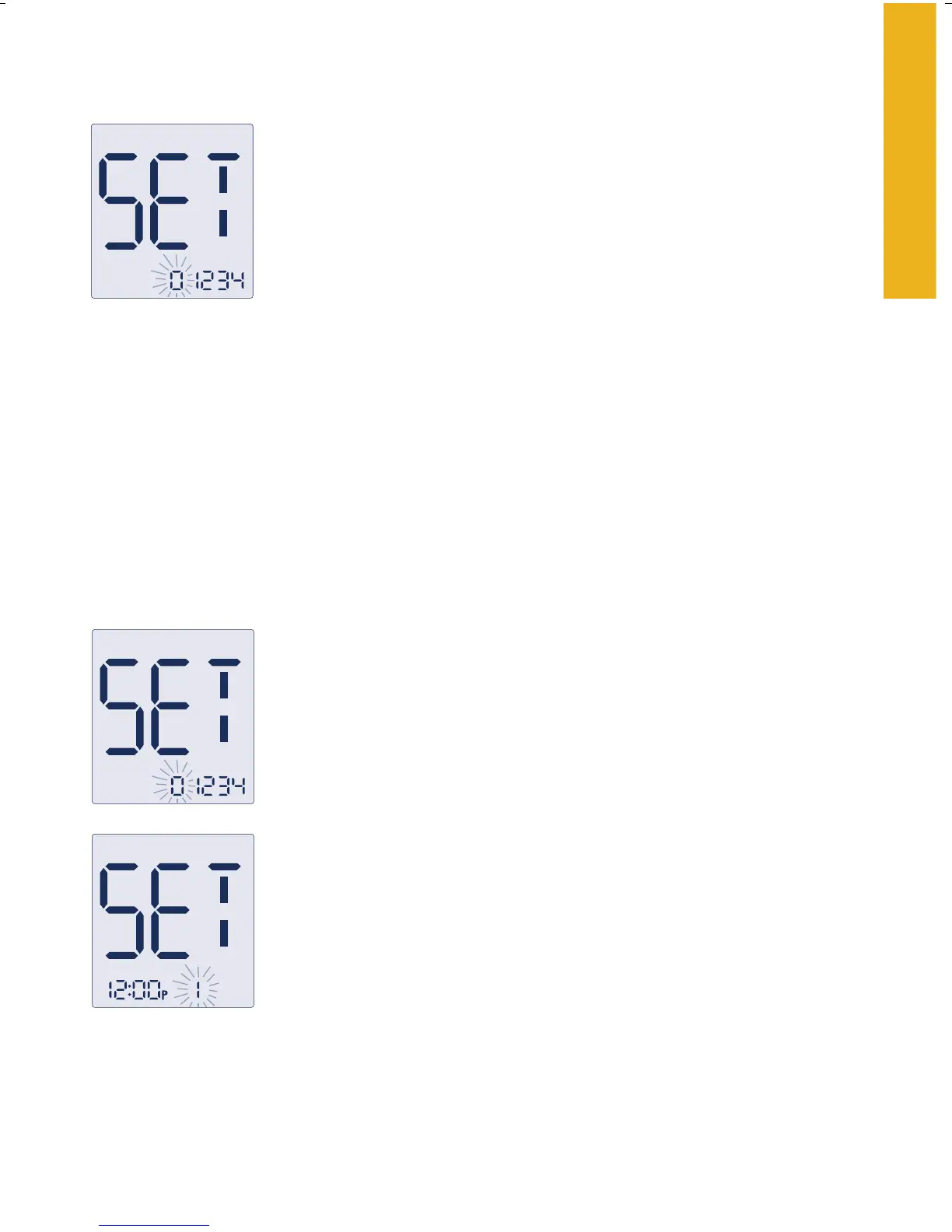
the set display screen appears. The first set screen is
“Alarm Settings”.
• To Exit at Any Time
Press and hold the “
m” button until the meter powers off.
• To Move Through the Screens
Press the “
m” button to move through all the setup screens such as
sound level, time, date, and so on.
• To Change Settings Within the Screen
Press the “
c” (configure) button.
Select alarm
Setting the Alarms
There are four alarms that you can set. When an alarm
goes off, you hear the sound for up to 15 seconds. You
can silence the alarm by pressing either the “
m” or “c”
buttons or by inserting a test strip. You may set up any
or all of the alarms (1-4).
Note: An alarm will never sound during a test.
To set an alarm or multiple alarms follow these ste
ps:
1. With the “0” blinking, press the “c” button to
review the current alarm settings.
To move to the first alarm press the “c” button once;
“1” will blink. You are now ready to set alarm 1.
Note: Press the “m” button when “0” is blinking to move to the next
set-up screen without setting any alarms.















 To Next Page