28
Call Customer Care Toll Free at 1-888-522-5226 www.AbbottDiabetesCare.com
ENGLISH
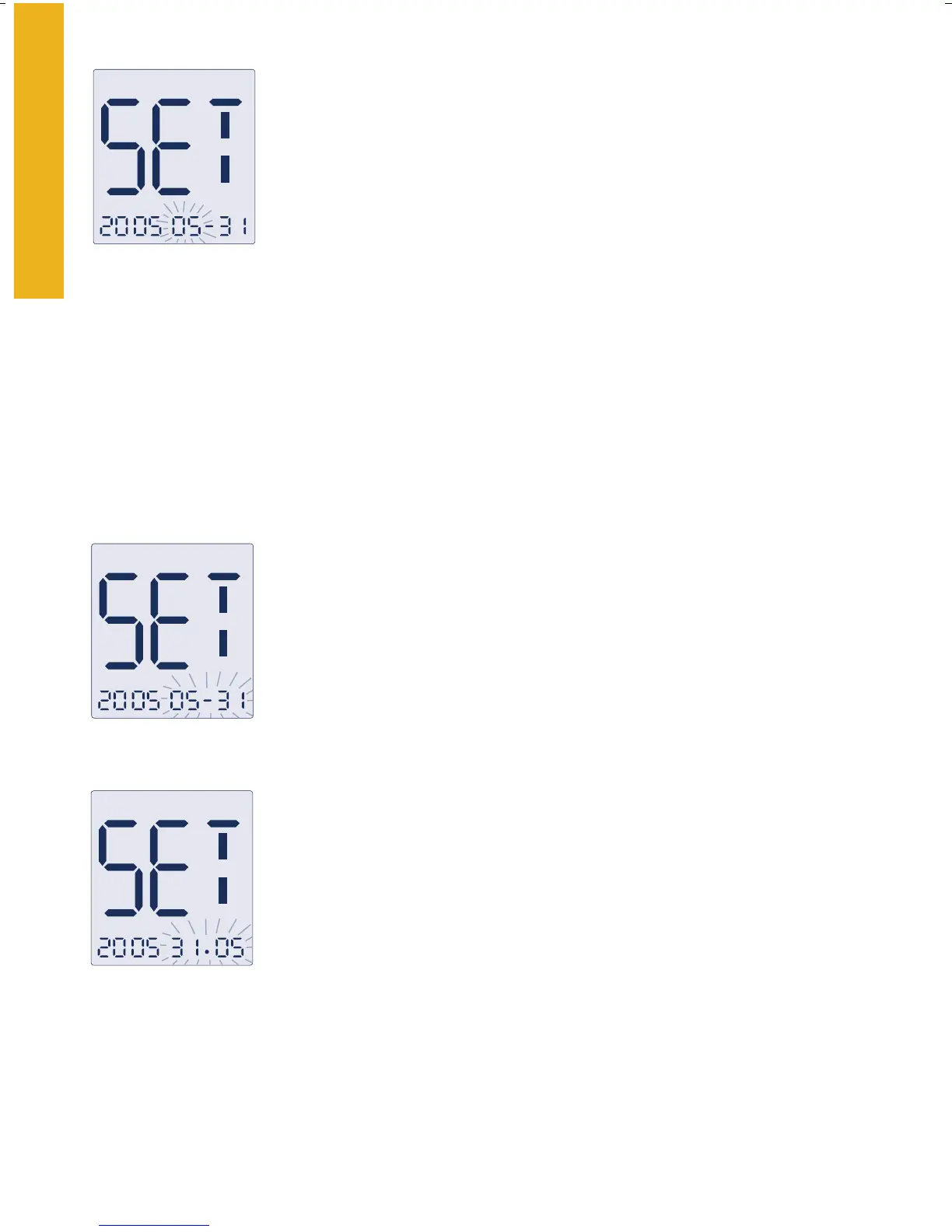
Year-Month-Day
Year-Day-Month
Setting
the Date Format
1. With the date blinking, press the “c” button to
select month-day or day-month format. The date
automatically updates to the format selected.
2. Press the “m” button to move to the “Unit of
Measurement.”
Setting the Date
1. With the month blinking, press the “c” button until
the correct month appears.
2. Press the “m” button to move to the day setting.
3. With the day blinking, press the
“c” button until the correct
day appears.
4. Pre
ss the “m” button to move to the year setting.
5. With the year blinking,
press the “c” button until the correct
year appears.
6. Press the
“m” button to move to “Setting the Date Format.”















 To Next Page