Step Action
3
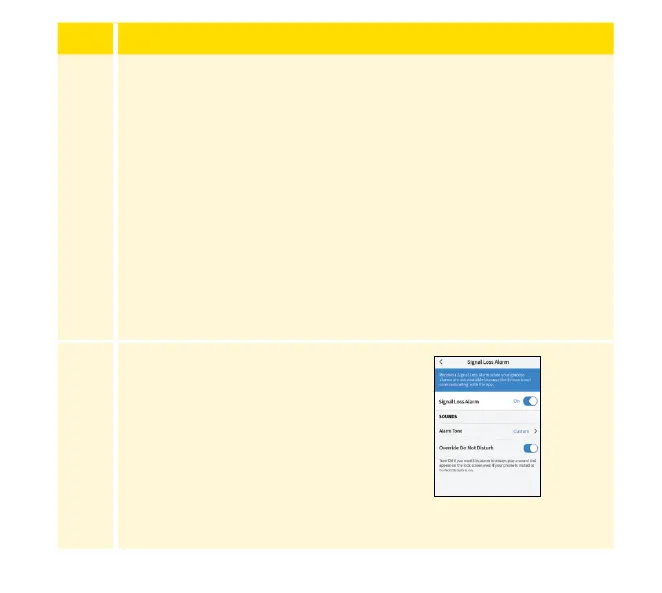
Override Do Not Disturb for the alarm is on by default. Keep
Override Do Not Disturb ON if you want the alarm to always
play a sound and appear on the lock screen even if your phone
is muted or Do Not Disturb is on. Turn OFF if you want the
alarm volume to follow your phone's volume setting, and
be silent with Do Not Disturb setting is enabled. The alarm
vibration will match your phone System Haptics setting.
Note: You must Keep Allow Critical Alerts ON for the App in
operating system settings.
4
Tap the back button to return to the
main alarm settings screen.
98














 To Next Page