Removing Your Sensor
Step Action
1
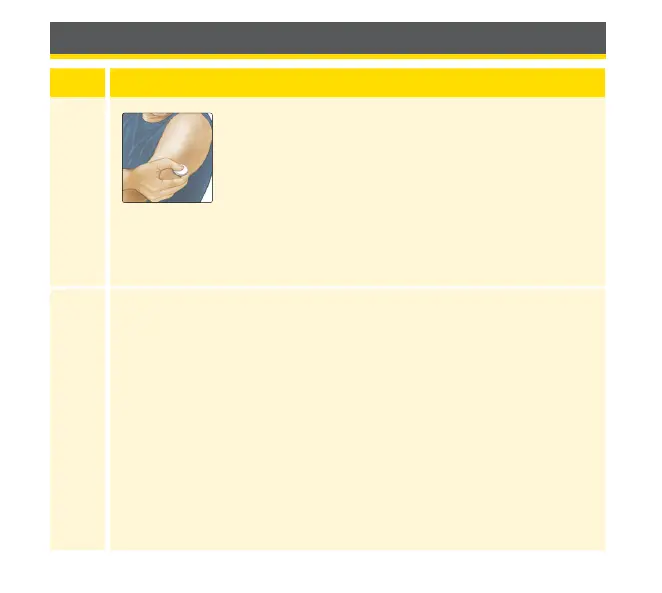
Pull up the edge of the adhesive that keeps your
Sensor attached to your skin. Slowly peel away
from your skin in one motion.
Note: Any remaining adhesive residue on the
skin can be removed with warm soapy water or
isopropyl alcohol.
2
Discard the used Sensor following directions from your health
care professional. See Maintenance and Disposal section.
When you are ready to apply a new Sensor, follow the
instructions in the Applying Your Sensor and Starting Your Sensor
sections. If you removed your last Sensor before it ended, you
will be prompted to conrm that you would like to start a new
Sensor when you rst scan it.
117














 To Next Page