Using Reminders in the App
Note: To receive reminders, make sure notications for the App are
enabled. If you want to receive a sound/vibration with your reminder,
ensure that sound/vibration on your smartphone is turned on, sound
is set at a level you can hear, and your smartphone’s Do Not Disturb
feature is turned o. If Do Not Disturb is on, you will only see your
reminder on the screen.
Step Action
1
To add a new reminder, go to the Main Menu and tap
Reminders. Tap ADD REMINDER.
2
Name your reminder.
3
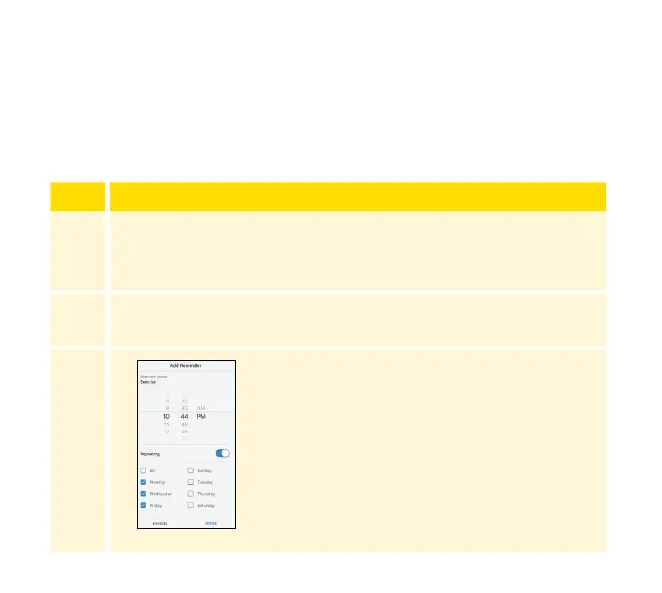
Tap the time elds to set the time for the
reminder.
Note: If you would like the reminder to
repeat, tap the slider to the right. You can
also select which days you would like to
receive the reminder.
121














 To Next Page