Step
Action
3
Touch to select how often you want the reminder to Repeat:
Once, Daily, or Timer.
Note: You can set the reminders for a specic time (e.g. 8:30 am)
or as a timer (e.g. 3 hours from the current time).
4
Set the reminder Time using the arrows on the touchscreen.
Touch save.
5
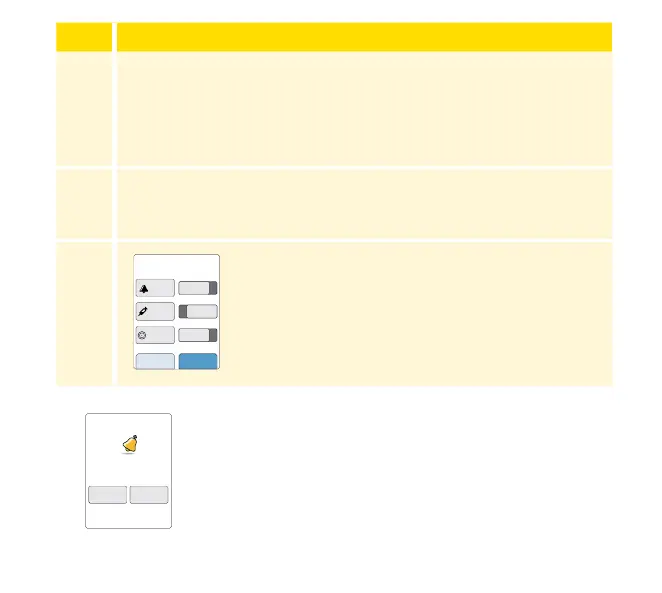
From the Reminders screen, you can turn the
reminder On/O or add new reminders.
Touch done to return to the Home screen.
You will get your reminder even if the Reader is turned
o. Touch OK to dismiss your reminder or snooze to be
reminded again in 15 minutes.
Note: Reminders will not appear if the Reader is
connected to a computer.
add new done
Reminders
8:30am
12:30pm
00:00:00
On
On
Off
8:30am
Reminder
snooze
15 min
OK
120














 To Next Page