Step Action
3
Tap DONE to save your note.
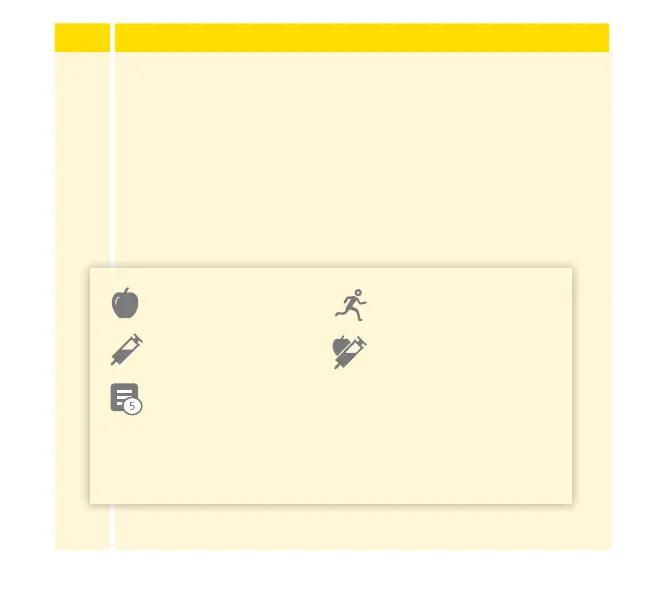
Notes are shown on your glucose graphs and in your
Logbook as symbols.
You can review a note by tapping its symbol on your glucose
graph or by going to the Logbook. See Reviewing Your
History section for more information about the Logbook. To
edit a note from the glucose graph, tap the symbol and then
tap on the information you would like to change. Tap DONE
when you are nished.
Food Exercise
Insulin (Rapid or
Long-acting)
Food + Insulin
Multiple/Custom notes – indicates dierent types
of notes entered together or notes entered within a
short period of time. A numbered badge next to
the symbol indicates the number of notes.
106














 To Next Page