Step Action
5
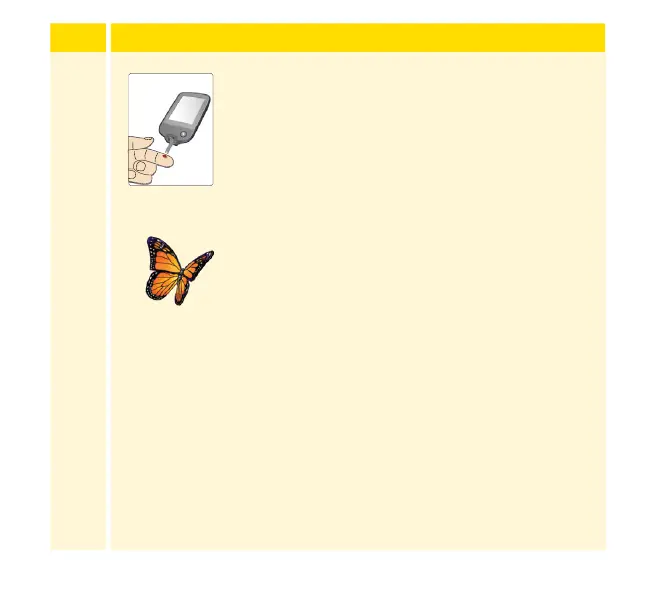
Use your lancing device to obtain a blood drop
and apply blood to the white area at the end
of the test strip. Refer to your lancing device
instructions for use if you need help using your
lancing device.
If sounds are turned on, the Reader beeps once
to let you know you have applied enough blood.
You will see a buttery on the screen while you
wait for your result. Do not remove the test strip
while the buttery is on the screen. If sounds are
turned on, the Reader beeps once when your
result is ready.
If the buttery does not appear, you may not
have applied enough blood to the test strip.
Apply a second drop of blood to the test strip
within 5 seconds of the rst drop. If the buttery
still does not appear or if more than 5 seconds
have passed, discard the test strip. Turn o the
Reader and repeat the steps in this section with a
new test strip.
Apply Blood
129














 To Next Page