Step
Action
8
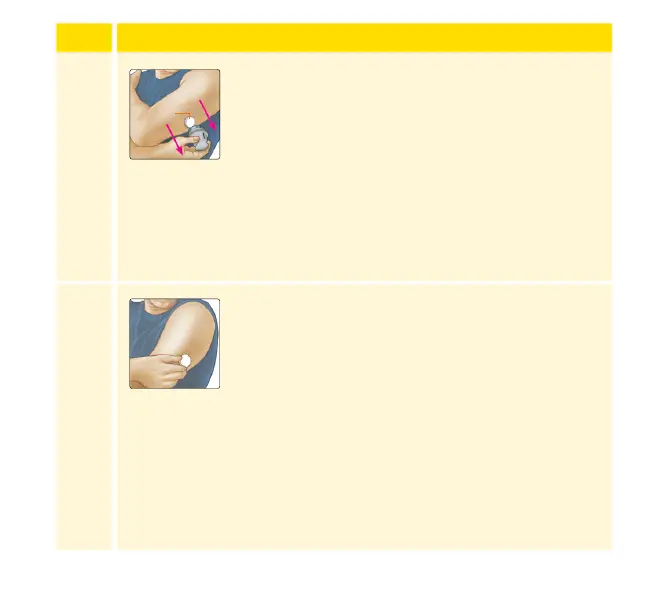
Gently pull the Sensor Applicator away from your
body. The Sensor should now be attached to your
skin.
Note: Applying the Sensor may cause bruising
or bleeding. If there is bleeding that does not
stop, remove the Sensor and contact your
health care professional.
9
Make sure the Sensor is secure after application.
Put the cap back on the Sensor Applicator.
Discard the used Sensor Pack and Sensor
Applicator according to local regulations.
Note: If using the App, you can tap Help in
the Main Menu to access an in-app tutorial on
applying a Sensor.
Sensor
38














 To Next Page