Step
Action
3
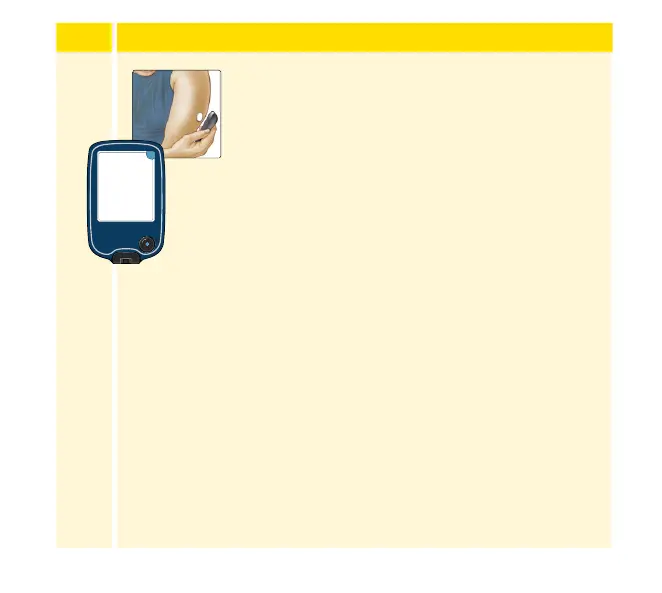
Hold the Reader within 1.5 inches (4 cm) of the
Sensor to scan it. This starts your Sensor. If sounds
are turned on, the Reader beeps when the Sensor
has been successfully activated. The Sensor can
be used to check your glucose after 60 minutes.
Note: If the Sensor is not successfully scanned
within 15 seconds, the Reader displays a prompt
to scan the Sensor again. Touch OK to return to
the Home screen and touch Start New Sensor to
scan your Sensor.
minutes
New Sensor
Starting Up
60
Sensor can be used in:
OK
40














 To Next Page