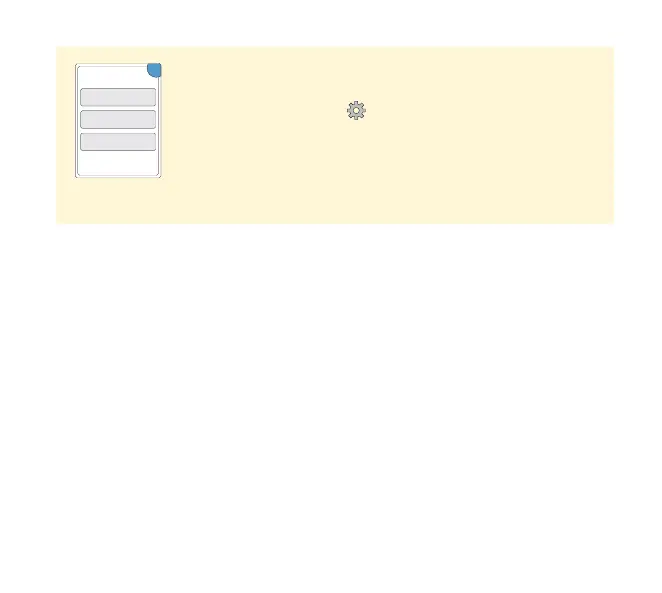
Perform a Reader Test
If you think the Reader is not working properly, you can
check the Reader by performing a Reader Test. Touch
the Settings symbol
from the Home Screen, select
System Status and then select Reader Test.
Note: The Reader Test will perform internal diagnostics
and will allow you to check that the display, sounds, and
touchscreen are working properly.
Customer Service
Customer Service is available to answer any questions you may have
about your System. Please go to the back cover of this manual for your
Customer Service phone number.
Reporting of Serious Incidents
If a serious incident has occurred in relation to this device it should be
reported to Customer Service. In European Union Member States, serious
incidents should also be reported to the competent authority, (the
government department responsible for medical devices) in your country.
Please refer to your government website for details of how to contact your
competent authority.
A ‘serious incident’ means any incident that directly or indirectly led, might
have led or might lead to:
• the death of a patient, user or other person,
• the temporary or permanent serious deterioration of a patient’s, user’s
or other person’s state of health.
System Info
Reader Test
Event Log
System Status
OK
96















 To Next Page