Changing the Reader Settings
You can go to the Settings menu to change many settings on the Reader,
like alarm settings, sound & vibration, time & date, and report settings. The
Settings menu is also where you go to do a control solution test or to check
the System status.
Step
Action
1
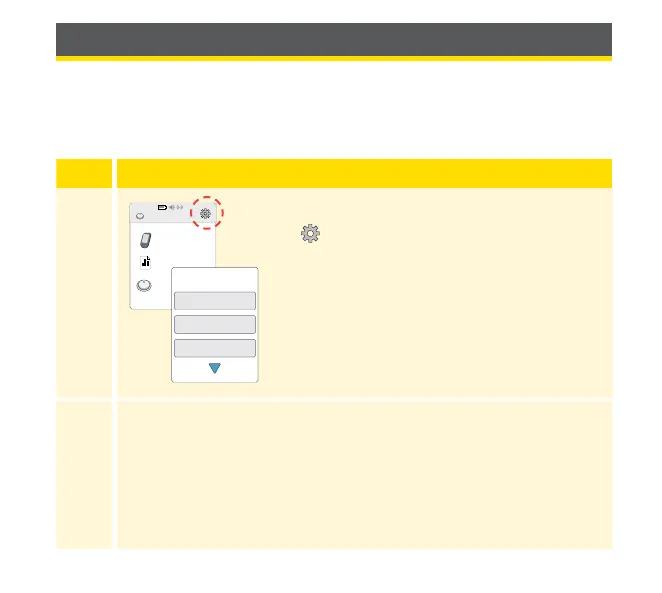
To get to the Settings menu, touch the Settings
symbol
on the Home Screen.
2
Touch the setting you want to change:
Alarms – See Alarms section for information on setting alarms
Sound & Vibration – Set Reader sound and vibration. These
also apply to alarms
Time & Date – Change the Time or Date
View Glucose
Review History
Start New Sensor
10:23pm
Ends in 14 days
Alarms
Sound & Vibration
Time & Date
Settings
1 / 4
76















 To Next Page