Changing the Insulin Calculator Settings
Step
Action
1
4 / 4
Reader Basics
Professional Options
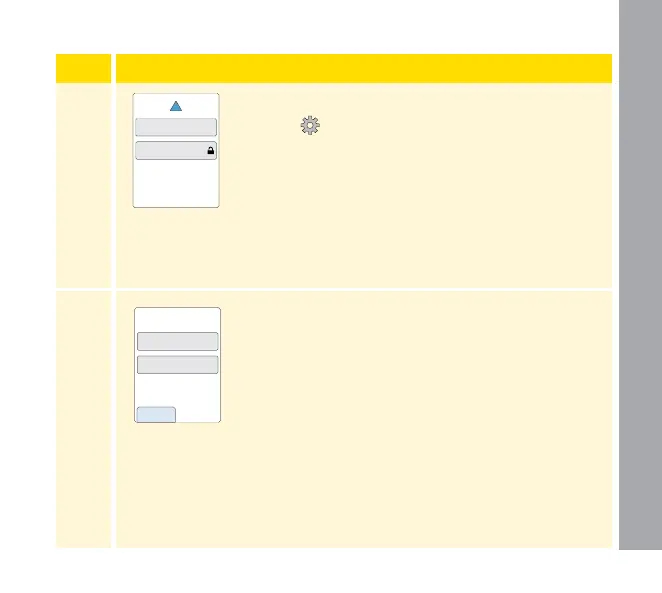
From the Home Screen, touch the Settings
symbol
. Scroll down using the arrows and
touch Professional Options. Enter the access
code. Touch Insulin Calculator.
2
Touch Turn O Calculator to turn o the insulin
calculator or Change Calculator Settings to
change the insulin calculator settings.
Note: If you turn o the insulin calculator,
your patient will no longer see the calculator
button after a blood glucose test. You can turn
the calculator back on by repeating the insulin
calculator setup.
back
Turn Off Calculator
Change Calculator
Settings
Calculator Settings
Professional Options
116















 To Next Page