Adding Notes
Notes can be saved with your glucose readings to help you track things
like food, insulin, and exercise.
Step Action
1
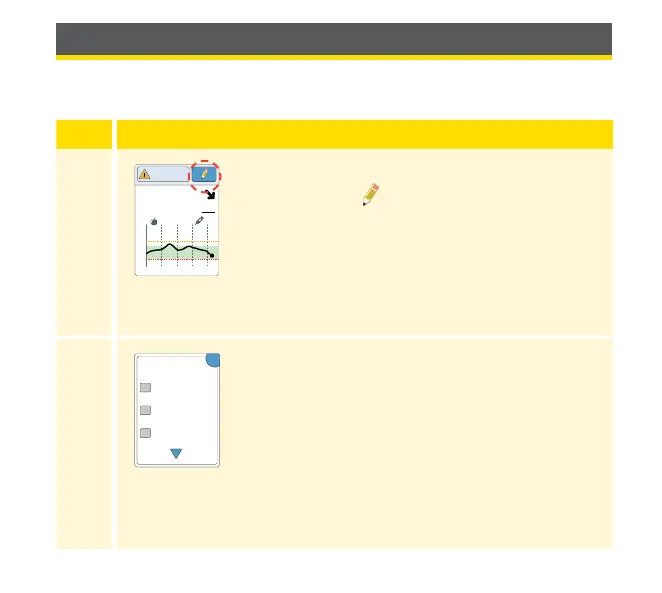
From the Glucose Reading screen, add notes
by touching the
symbol in the upper right
corner of the touchscreen. If you do not want to
add notes, you can press the Home Button to go
to the Home Screen or hold the Home Button to
turn the Reader o.
2
Select the checkbox next to the notes you would
like to add. Touch the down arrow to view other
note options.
21
15
9
3
10am 4pm 10pm
5.1
mmol
L
Glucose Going
Low
OK
Add Notes
1 / 2
Rapid-Acting
Insulin
Long-Acting
Insulin
Food
40















 To Next Page