Step Action
3
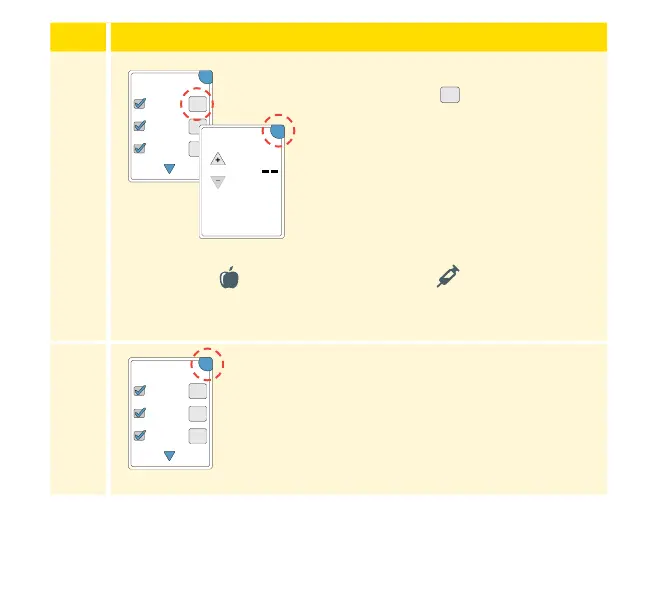
After you check the box for food and
insulin notes, the
symbol appears
to the right of the note. You can touch
it to add more specic information to
your note. Then touch OK.
• Insulin notes: Enter the number of
units taken.
• Food notes: Enter grams or serving
information.
Note: Food
and rapid-acting insulin notes are shown
on your glucose graphs and in your Logbook as symbols.
4
Touch OK to save your notes.
You can review your notes from the Logbook. See Reviewing Your History
section for more information.
+
+
+
OK
Add Notes
1 / 2
Rapid-Acting
Insulin
Long-Acting
Insulin
Food
units
Enter Rapid-Acting
Insulin
OK
+
+
+
OK
Add Notes
1 / 2
Rapid-Acting
Insulin
Long-Acting
Insulin
Food
41















 To Next Page