IMPORTANT: How to prevent missed alarms
• For you to receive alarms, they must be turned ON and you
should ensure that your Reader is within 10 meters (33 ft) of you
at all times. The Sensor itself will not issue alarms.
• If the Sensor is not communicating with the Reader, you will not
receive glucose alarms, and you may miss detecting low glucose
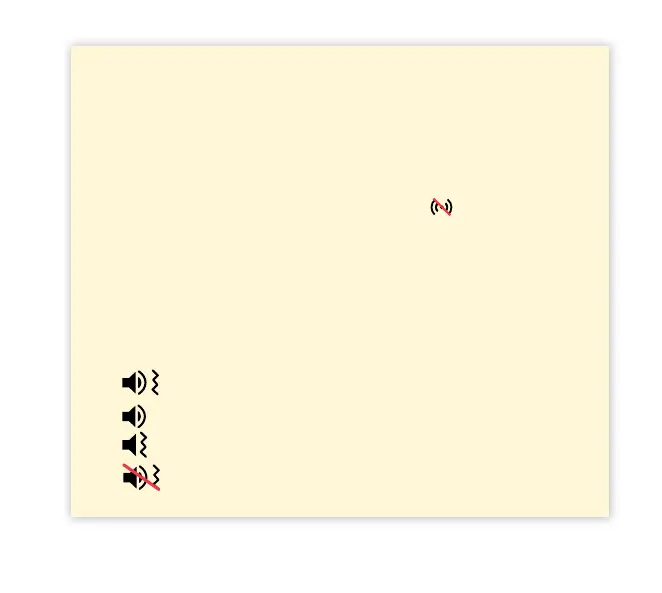
or high glucose episodes. You will see the
symbol on the
Home screen when the Sensor is not communicating with the
Reader. Make sure the Signal Loss Alarm is on so you will be
notied if your Sensor has not communicated with the Reader
for 20 minutes.
• Make sure the Reader’s sound and/or vibration settings are on
and your Reader is near you. If any alarms are turned on, the
Home screen indicates the sound/vibration setting:
Sound and Vibration ON
Sound ON, Vibration OFF
Sound OFF, Vibration ON
Sound and Vibration OFF
32















 To Next Page