Step Action
3
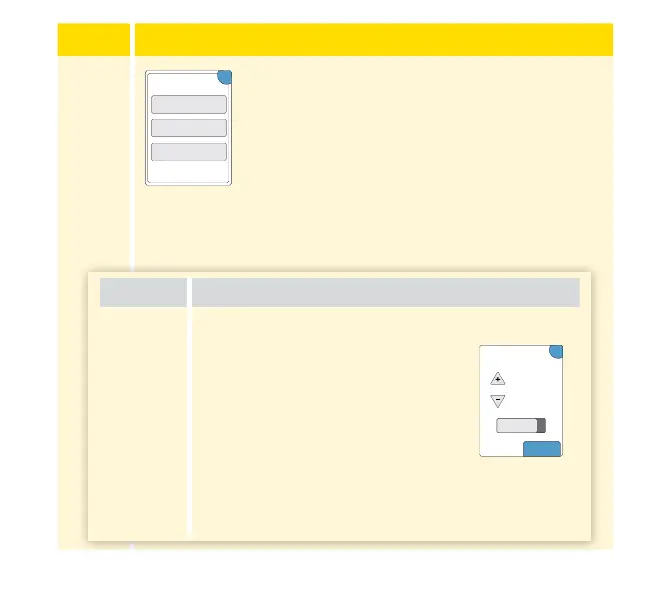
Select the alarm you want to turn on and set.
Low Glucose Alarm: Noties you when your
glucose is below the level you set.
High Glucose Alarm: Noties you when your
glucose is above the level you set.
Signal Loss Alarm: Noties you when your
Sensor is not communicating with the Reader
and that you will not receive Low or High
Glucose Alarms.
OK
Low Glucose Alarm
High Glucose Alarm
Signal Loss Alarm
Change Alarm
Settings
Alarm How to Set
Low
Glucose
Alarm
The Low Glucose Alarm is o by default.
Touch the slider to turn the alarm
on. The alarm level is initially
set to 3.9 mmol/L. You can
use the arrows to change this
value between 3.3 mmol/L and
5.6 mmol/L. If the alarm is on,
you will be notied when your
glucose falls below the level you set.
Touch done to save.
On
?
mmol/L
3.9
done
Low Glucose Alarm
34















 To Next Page