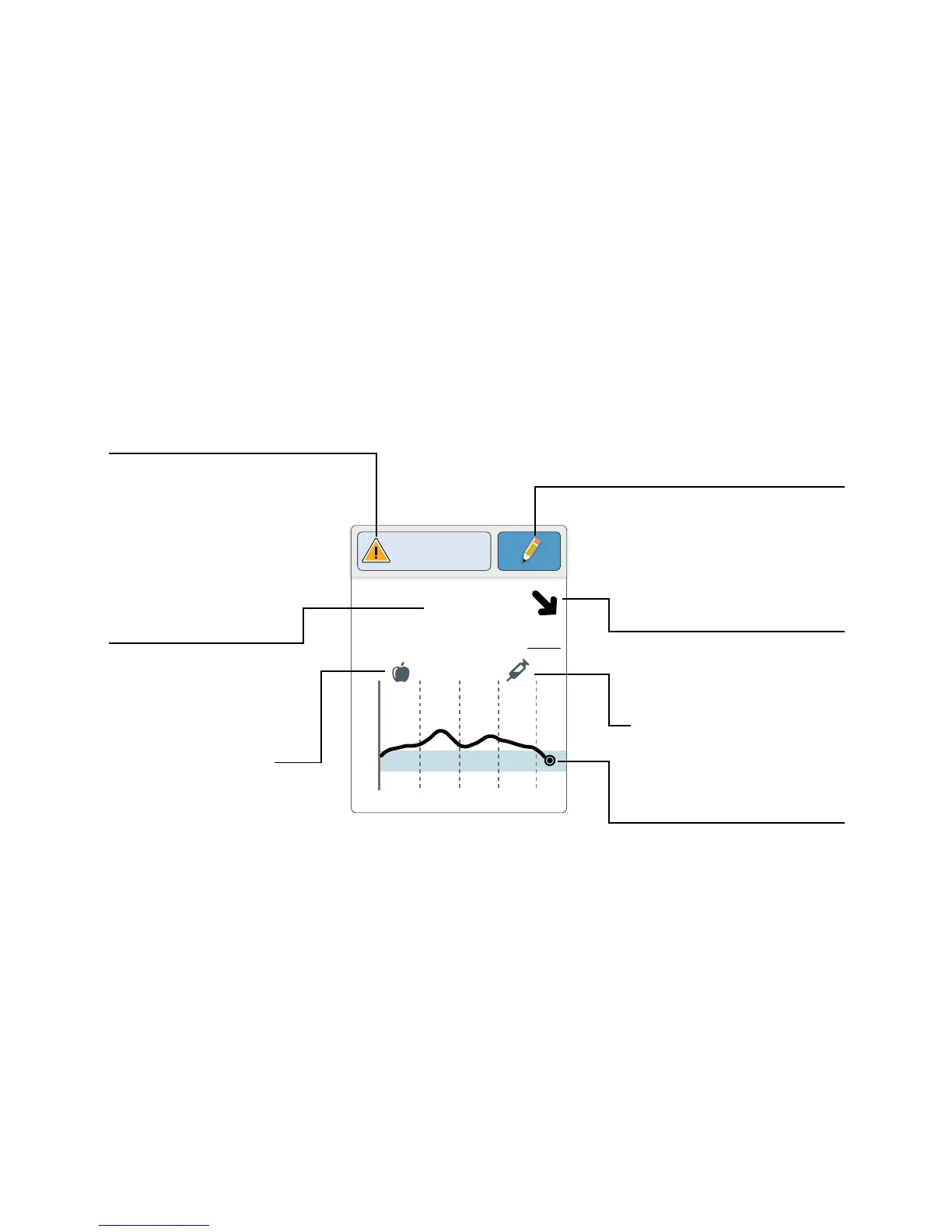
The Sensor Glucose Readings screen appears after you use the Reader
to scan your Sensor. Your Reading includes your Current Glucose, a
Glucose Trend Arrow indicating which way your glucose is going, and a
graph of your current and stored glucose readings.
Sensor Glucose Readings
21
15
9
3
14:00 18:00 22:00
4.0
mmol
L
Glucose Going
Low
Rapid-Acting
Insulin Note
Message
Touch for more
information.
Add Notes
Touch to add notes to the
glucose reading.
Food Note
Current Glucose
Glucose from your
latest scan.
Glucose Trend Arrow
Direction your
glucose is going.
Glucose Graph
Graph of your current
and stored glucose
readings.
12
















 To Next Page