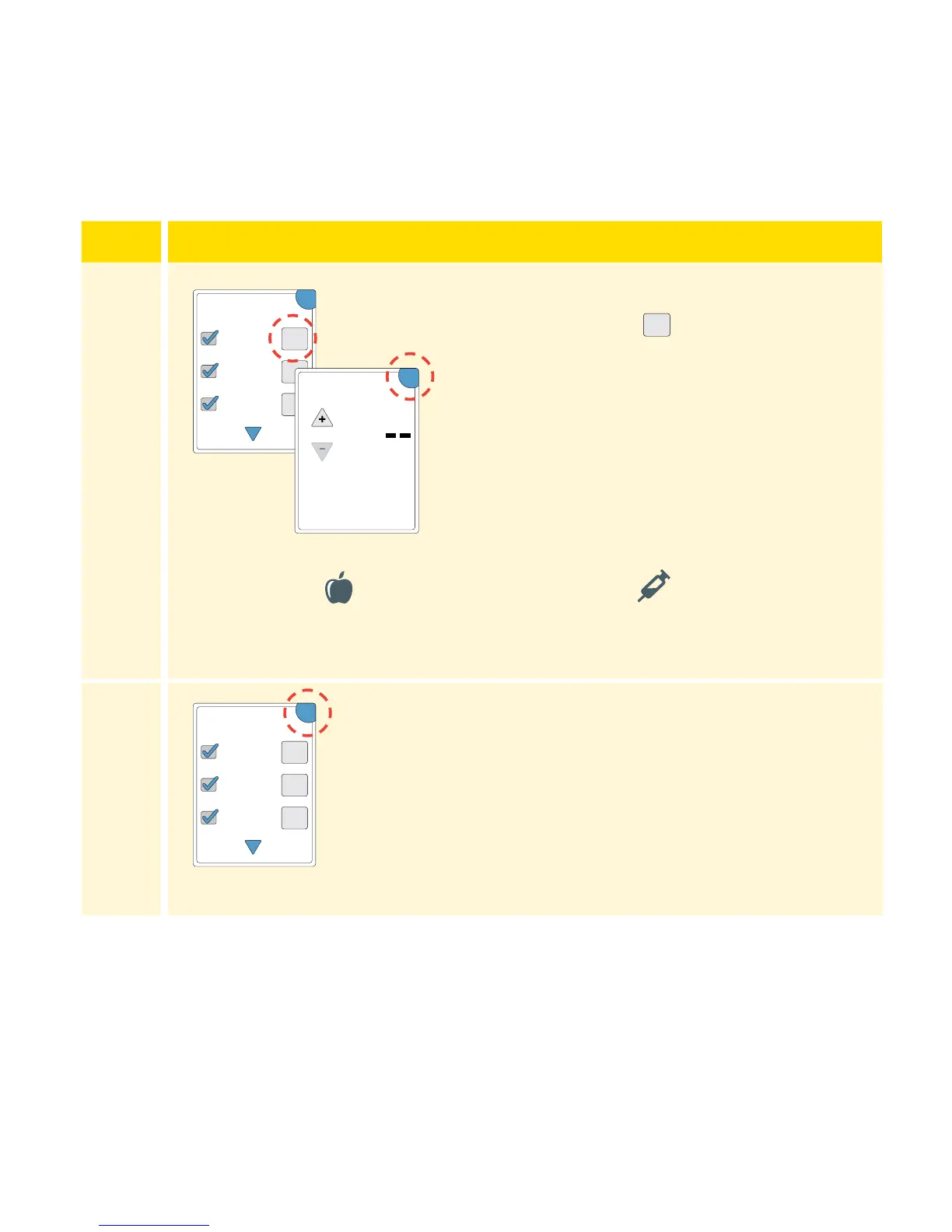
symbol appears
to the right of the Note. You can touch
it to add more specic information to
your note. Then touch OK.
• Insulin notes: Enter the number of
units taken.
• Food notes: Enter grams or carb
portion information.
Note: Food
and rapid-acting insulin notes are shown
on your glucose graphs and in your Logbook as symbols.
4
Touch OK to save your Notes.
You can review your Notes from the Logbook. See Reviewing Your History
section for more information.
+
+
+
OK
Add Notes
1 / 4
Rapid-Acting
Insulin
Long-Acting
Insulin
Food
units
Enter Rapid-Acting
Insulin
OK
+
+
+
OK
Add Notes
1 / 4
Rapid-Acting
Insulin
Long-Acting
Insulin
Food
30
















 To Next Page