Step
Action
5
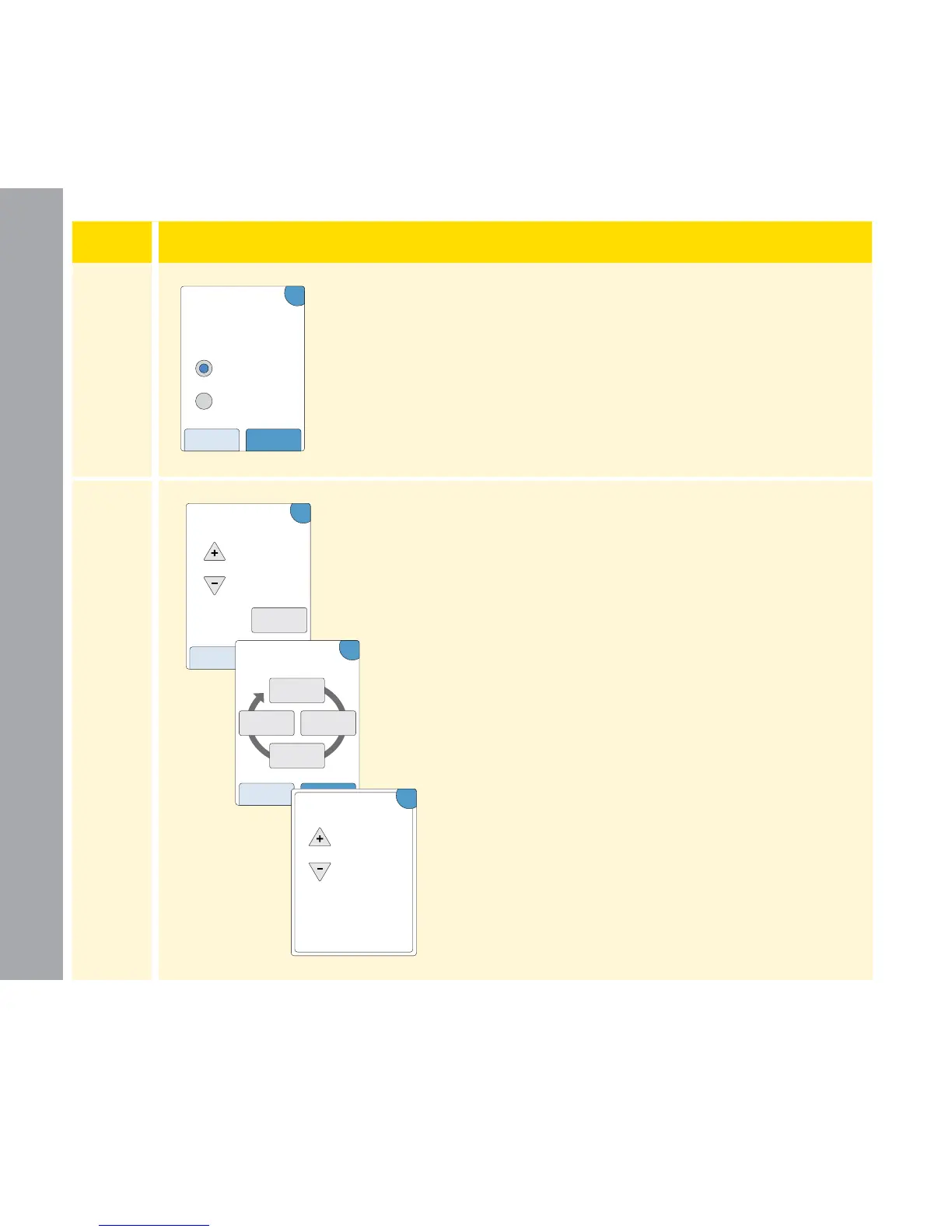
Select how you want your patient to correct their
glucose. Touch next
.
6
Enter the Correction Target value or range. This
is the desired target value or range for blood
glucose values before meals. Touch next when
complete.
Note: If the Correction Target is
based on time of day, touch the
option by time of day. Touch each
time period to change the correction
target for that period. Touch OK after
each entry to save. Touch done.
nextback
To a single target
To a target range
?
How does your
patient correct their
glucose?
mmol/L
Correction Target
?
back next
by time
of day
5.6
Optional:
?
back done
Correction Target
in mmol/L:
5.6
morning
6.7
night
6.1
midday
5.6
evening
mmol/L
OK
Correction Target
Morning:
4am to 10am
5.6
Professional Options
93
















 To Next Page