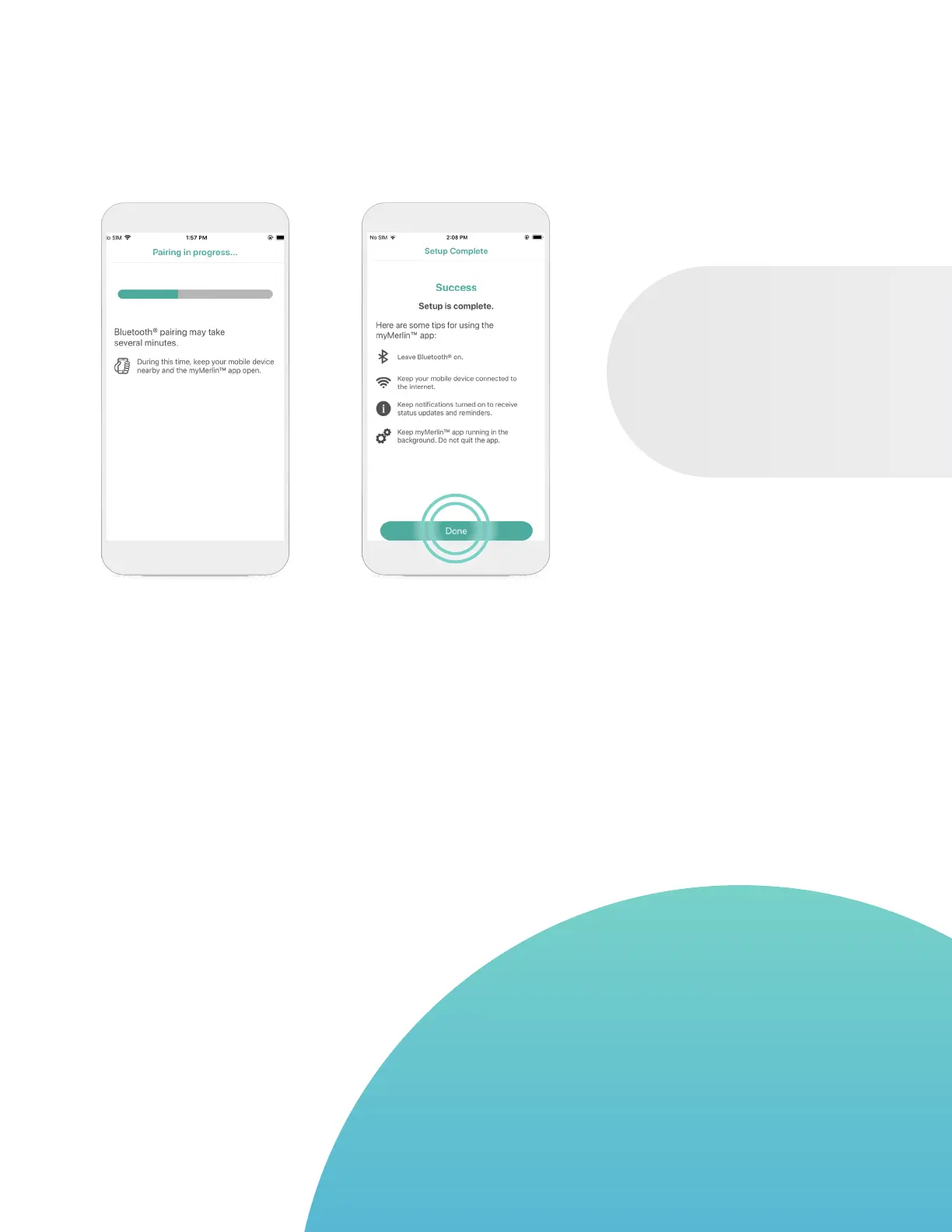
STEP 10
Keep the app open and
your iPhone
‡
within
1.5 meters or 5 feet of
you while pairing.
STEP 11
Once your iPhone
‡
has
finished pairing, you will
see a Success message.
Tap Done.
GOOD TO KNOW…
DM is how Confirm Rx
™
ICM, your heart monitor,
will appear in your Bluetooth
®
menu. You will see
this name whenever you access your phone’s list of
paired devices in your Bluetooth
®
settings.
PAIRING YOUR HEART MONITOR
TO THE myMERLIN™ APP CONT.
WHAT IF YOU
DON’T SEE THE
PAIRING CODE?
Try decreasing your
text size.
15












 To Next Page