8-12
Questions? Refer to Page 10-10 for Technical Support Instructions.
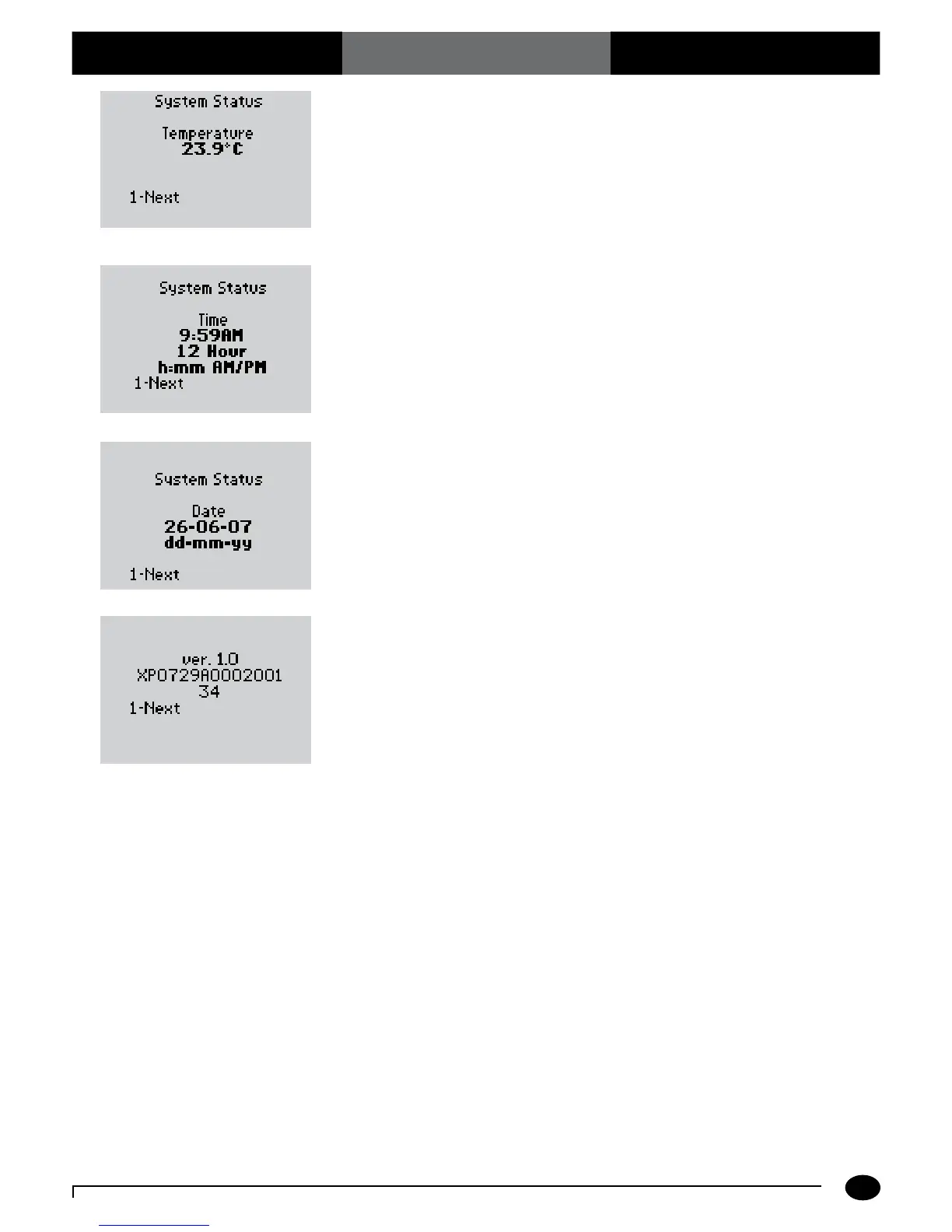
6. P r e s s 1-Next to continue to the System
Status Time screen.
7. P r e s s 1-Next to continue to the System
Status Date screen.
8. Press 1-Next to continue to the
System Status Software Version and
Serial Number screen .
9. P r e s s 1-Next to continue to the Review
Setup menu.
The number that appears on your
monitor may be different from the
number that appears here.
Chapter 8: Review Setup
What You See on the Display What You Do Comments













 To Next Page