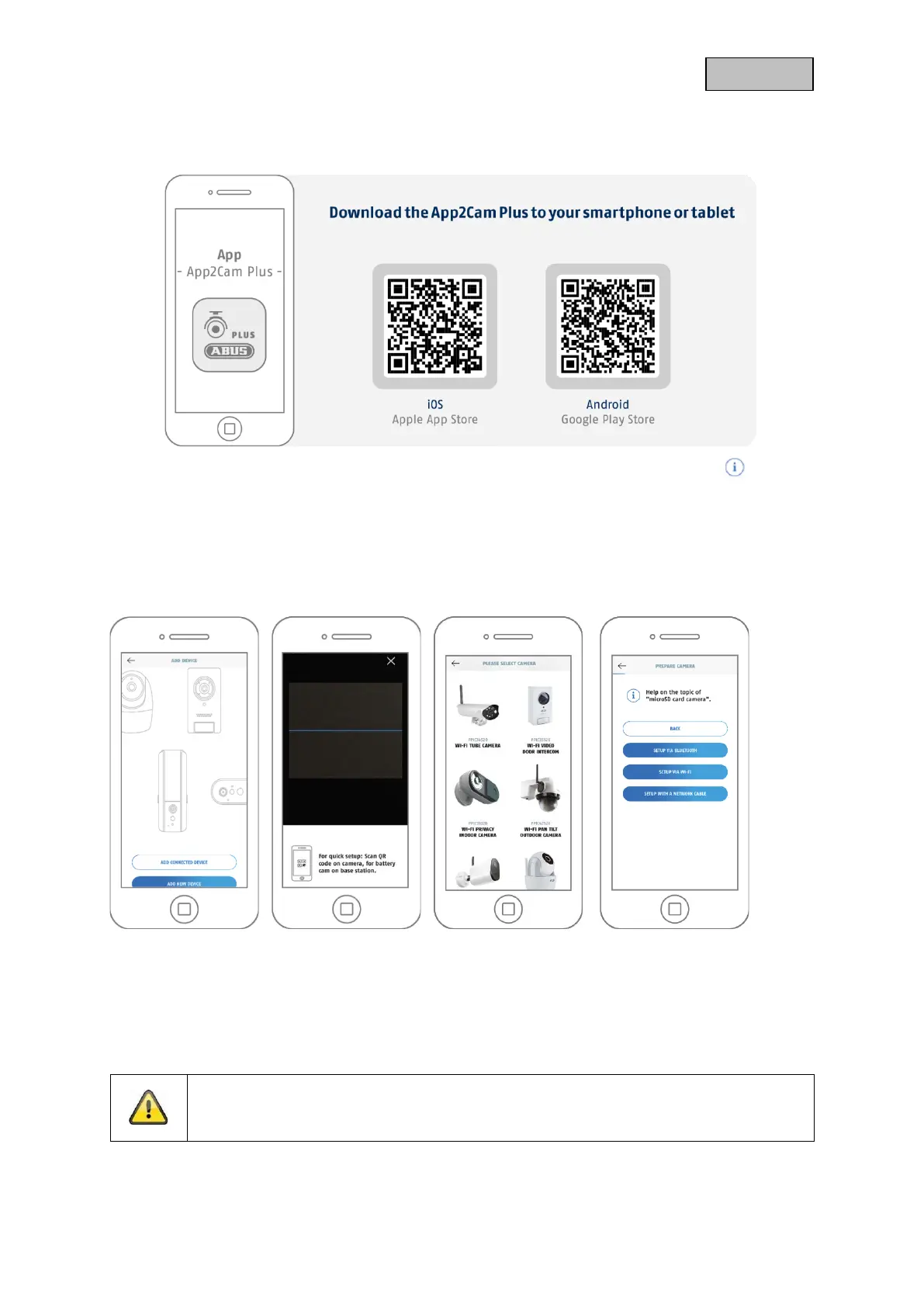
To access the app for the first time, download the "App2Cam Plus" app from the Google Playstore or
Apple Appstore.
During the installation, help pages are available for the various steps. Click on the icon to access
the help pages.
4.3. Camera setup
4.3.1. Bluetooth setup
1 2 3 4
1. Launch the App2Cam Plus and select "Add new device" to start the commissioning process.
2. Option 1: Scan the QR code on the back of the camera.
3. Option 2: Select your camera model.
4. Select "Installation via Bluetooth".
Note
For optimal start-up, the camera and the smartphone/tablet must be as close to each
other as possible, at a maximum distance of 3 meters.



 To Next Page