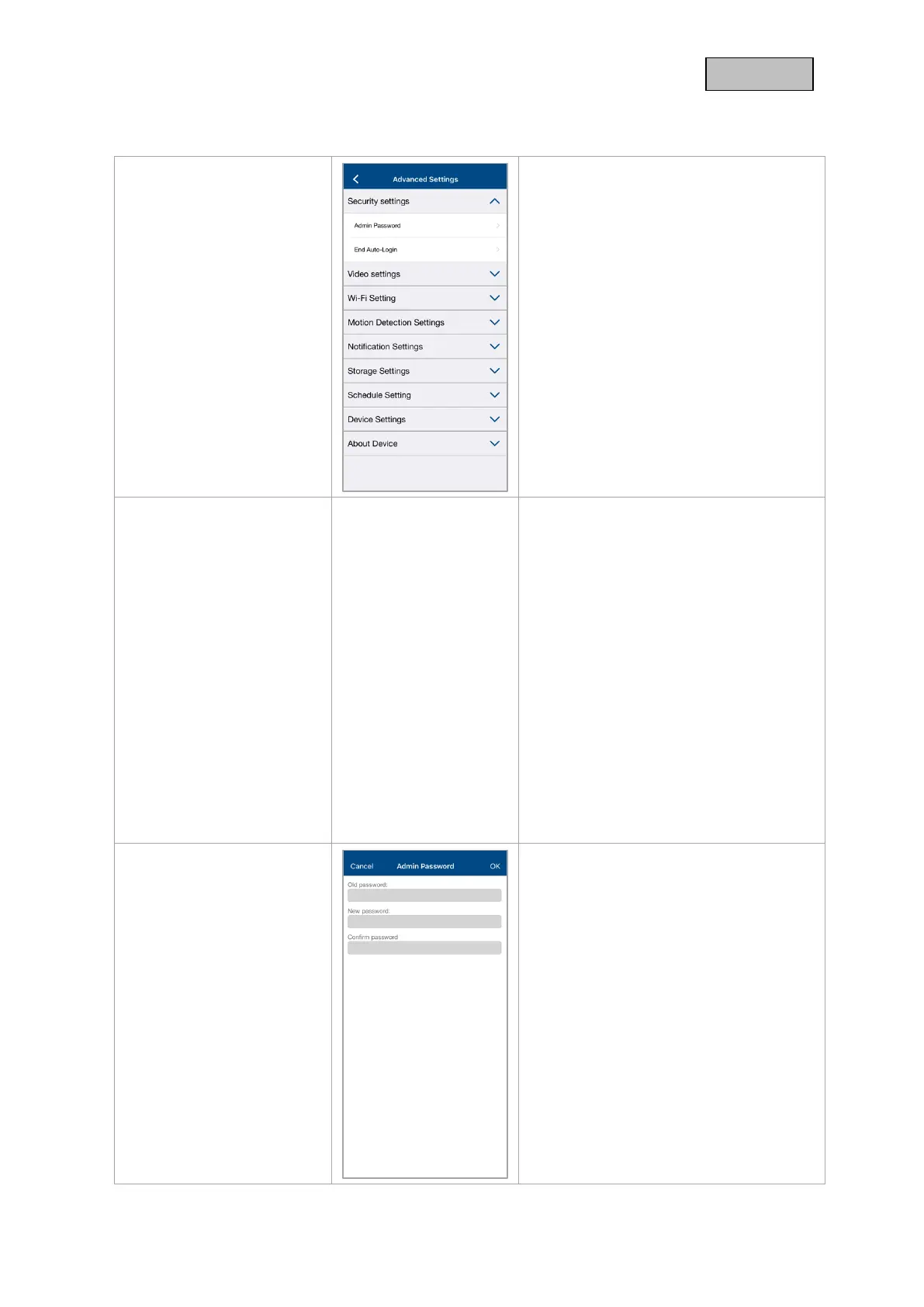
Make the security settings for your
camera here.
The changes in the settings are only
applied after exiting the menu.
The security code is used to set up the
camera in the app.
During installation, replace the default
security code with your own security code
of choice.
If you have forgotten your security code,
you can reset the camera by pressing the
reset button for about 3 seconds and
assign a new security code.
After resetting, remove the camera from
App2Cam Plus and begin setup using the
setup wizard.
The default security code is "123456".
Attention:
All settings including the network
connection are lost.
The admin password grants access to the
advanced settings and enables / disables
the camera recordings.
During the installation you assign your
own admin password.
If you forget your admin password, you
can reset the camera by pressing the
reset button for about 3 seconds.
The default admin password is "123456".
Attention:
All settings including the network
connection are lost.



 To Next Page