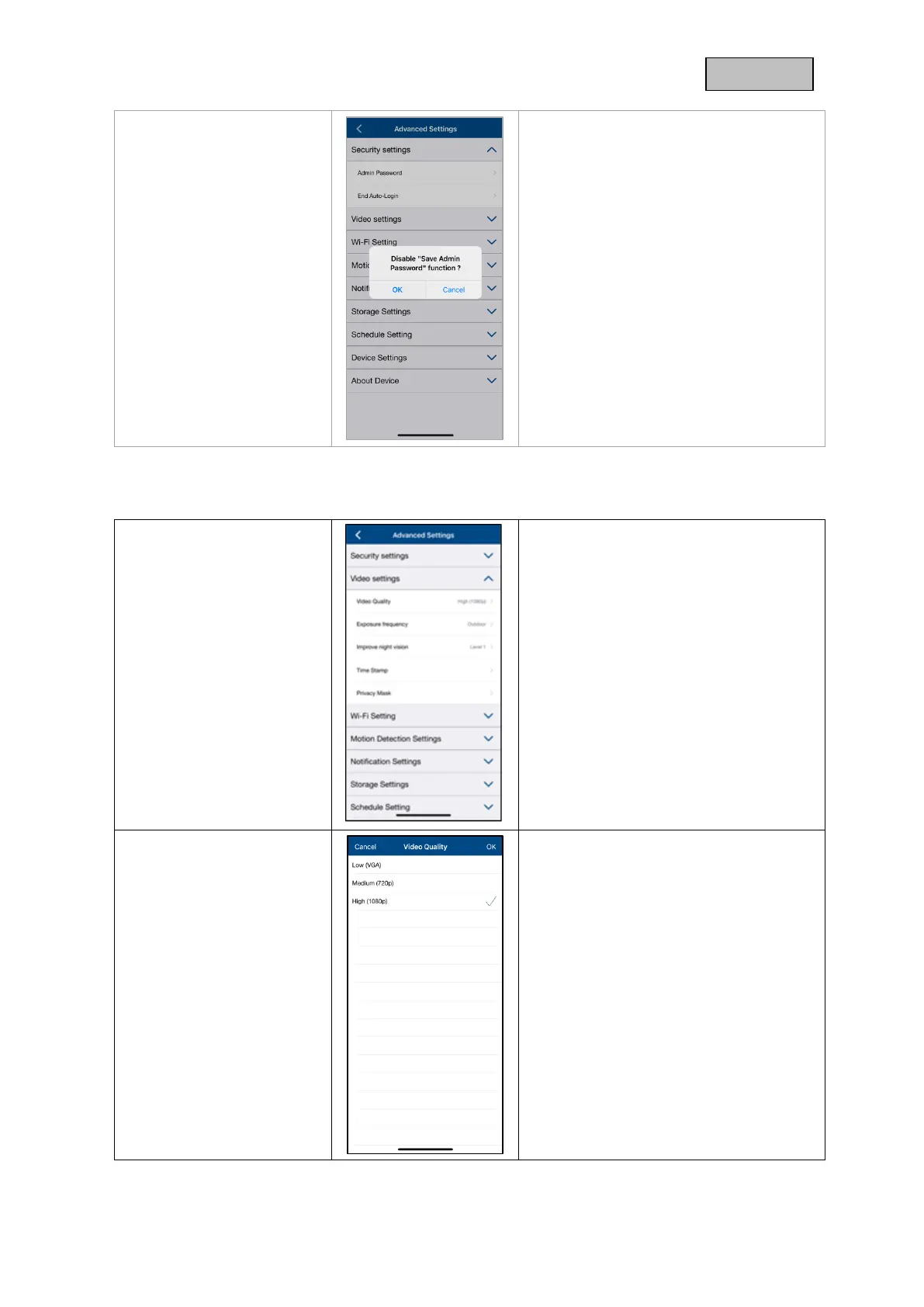
If you have already activated Auto Login,
you can deactivate the function here.
This menu item is only displayed if the
function has already been activated.
Make the video settings for your camera
here.
The changes in the settings are only
applied after exiting the menu.
Here you have the possibility to change
the resolution for the live view.
With a lower resolution, you can get a
smoother image when accessing
externally, but less image detail is
available.
The value set here has no effect on
the recording, which is always saved
in Full HD (1080p).



 To Next Page