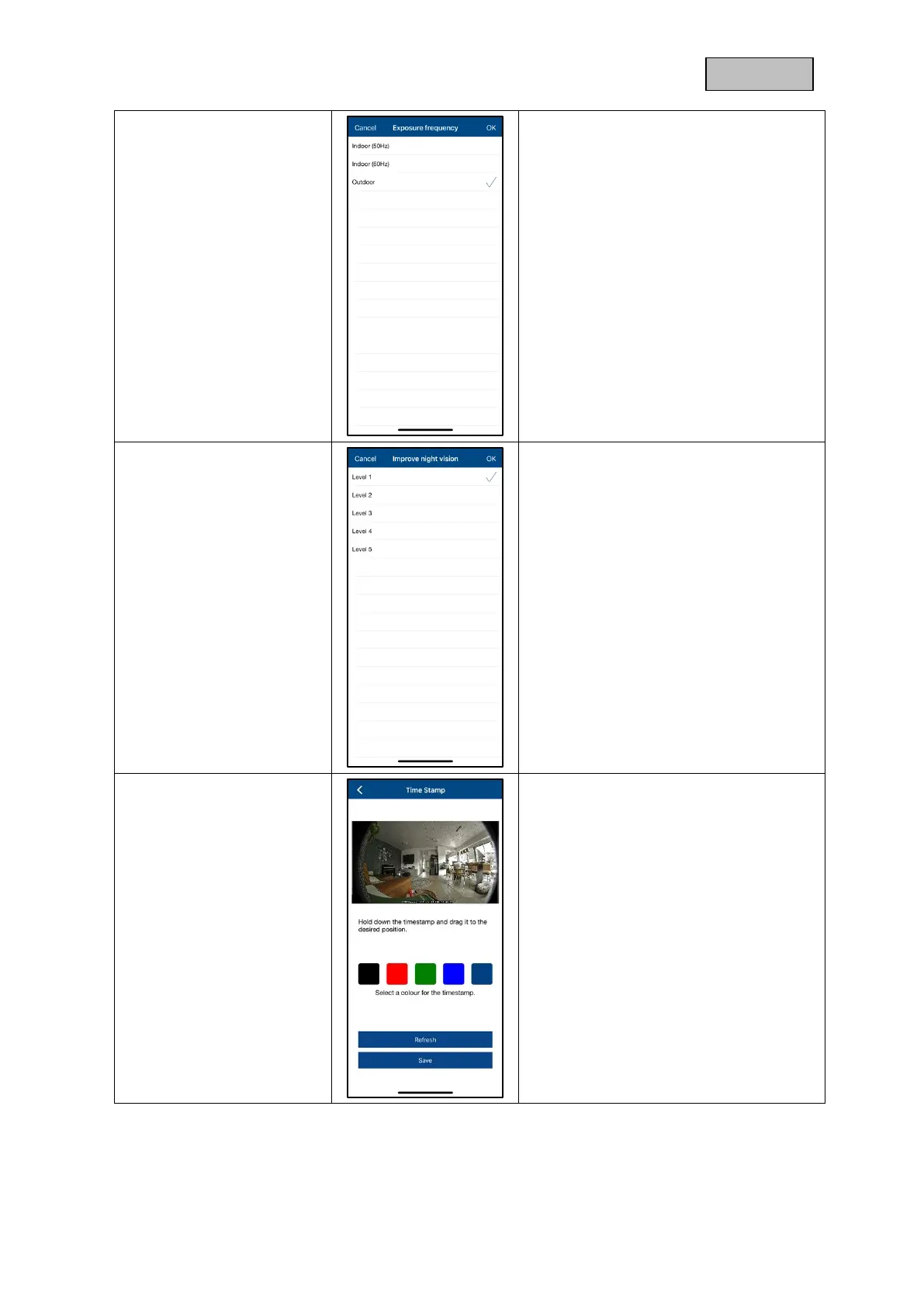
Here you have the possibility to
select the mains frequency for your
camera.
The following selections are
available: Indoor (50Hz), Indoor
(60Hz) and Outdoor.
Standard value Germany: 50 Hz
Here you can adjust the brightness of
the night image.
A higher level brightens the image
more, a lower level less.
As soon as there are objects in the
immediate vicinity of the camera, it is
recommended to set the intensity to
low to avoid reflections in the image,
but this will reduce the range of the
LEDs.
Change the color of the timestamp by
clicking on the desired color.
Remove the timestamp by clicking once
on the image.
Changes are only applied when
saved. The "Reload" button refreshes
the preview image.



 To Next Page