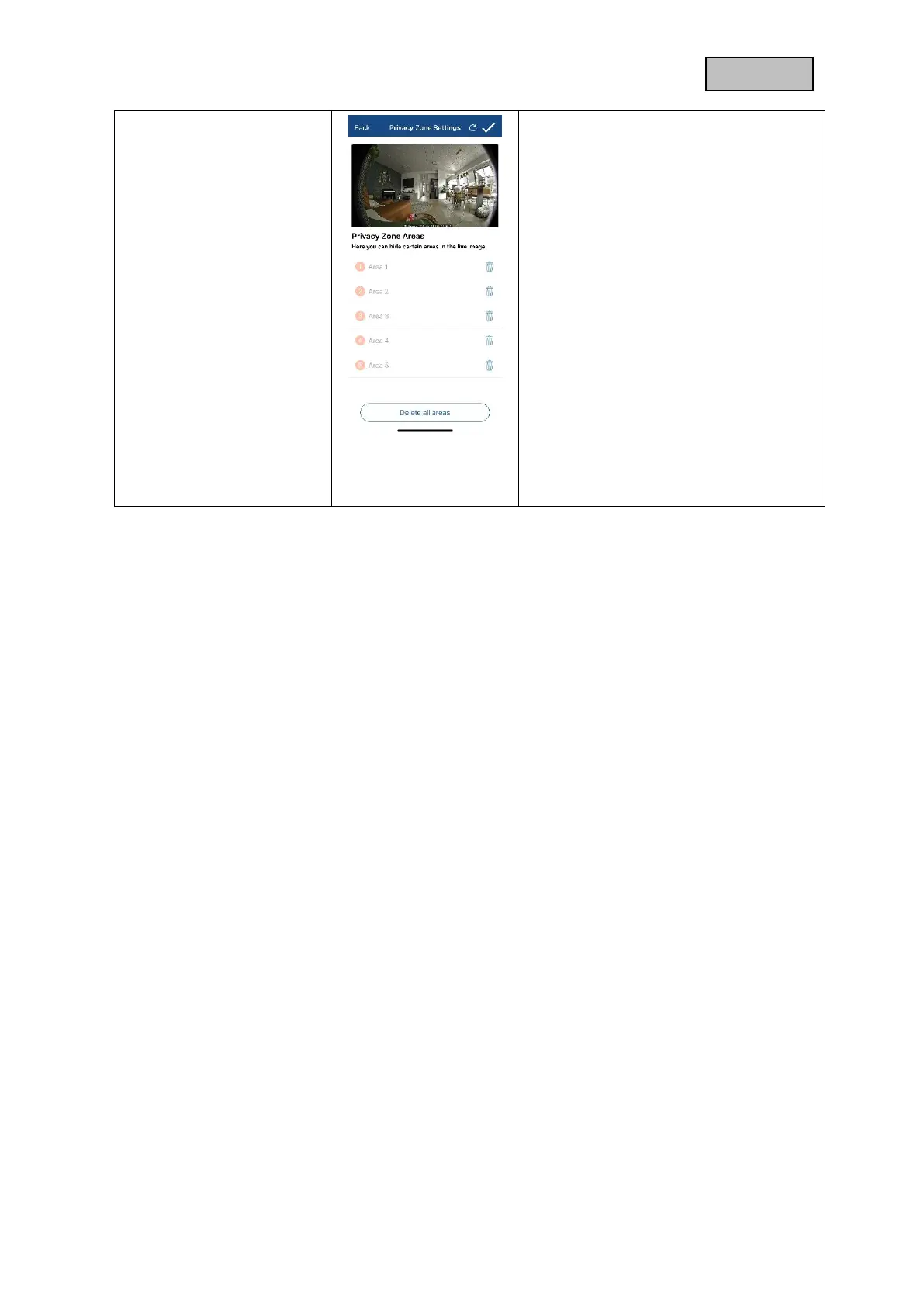
A preview of the live image and the
privacy zone set up is displayed
here. Drawing privacy zones is done
directly in the preview area.
You can activate up to 5 areas and place
and adjust them individually by drag and
drop.
The drawn area is made
unrecognizable in black and is
therefore not visible in the live image
or in the recording.
Click the check mark in the upper
right corner to save the settings.
To delete zones, click Delete All
Zones and then click the check mark
in the upper right corner.
Deleting individual existing zones is
only possible during creation, click on
the recycle bin for this.



 To Next Page