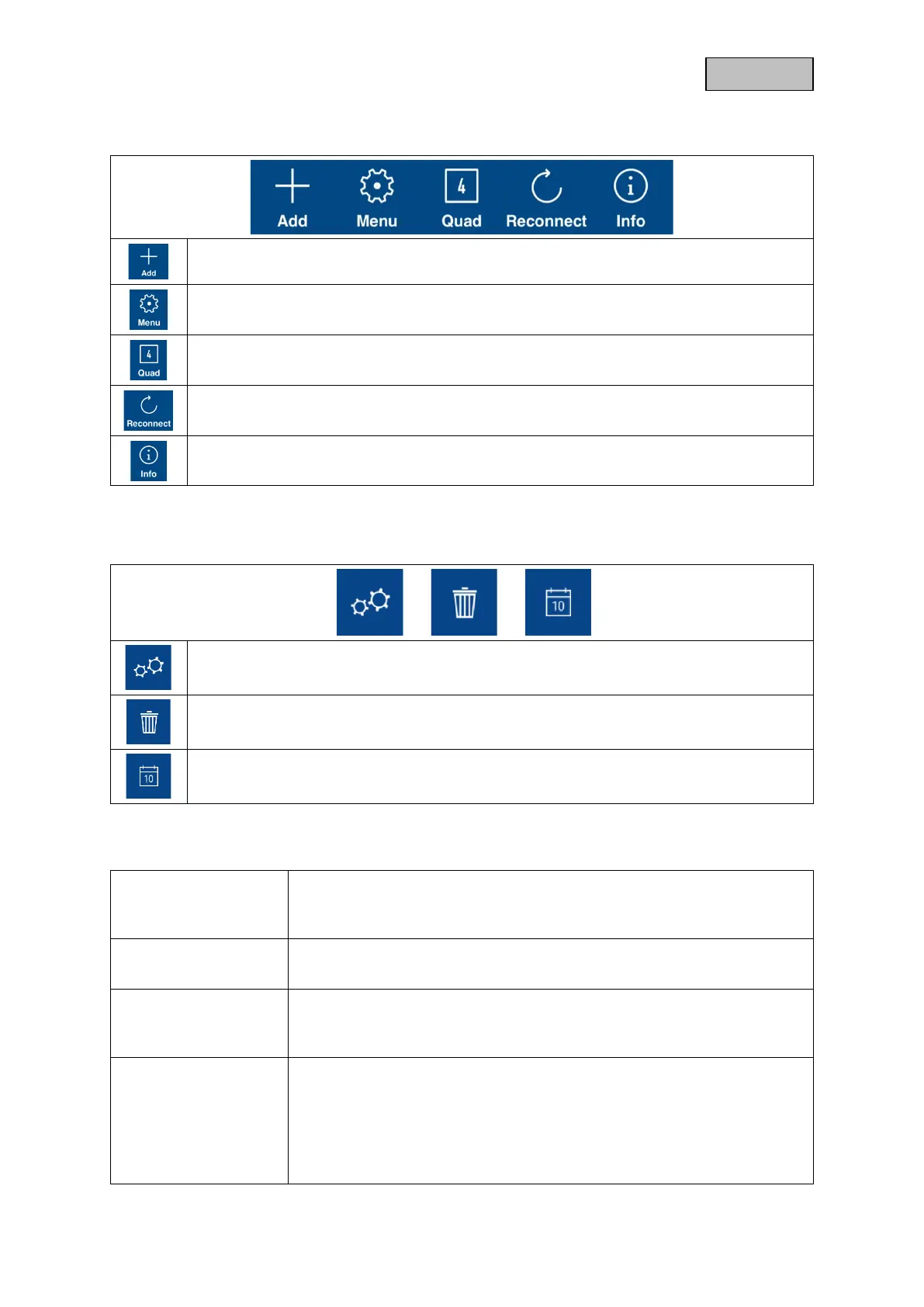
Set up new camera / Add camera
Enable / disable camera bar
Activation of the 4-fold view
Connection update
Updating the connections to the cameras
4.5.3. Info / App settings
App Pin
Menu for assigning an app pin. If activated and assigned, this is requested
with every app start.
Via
Check out the latest app version, privacy policy and API version here.
User manual /
Instruction
Instructions
Call up the product page of the selected camera here. Here you can
download the manual in the download sector.
Video acceleration
(Android only)
Enable/disable hardware decoding
For Android, the use of hardware decoding is available. Some Android
devices have special hardware features that optimize the decoding of video
streams.
For older products or older Android devices, this may result in degraded
performance.



 To Next Page