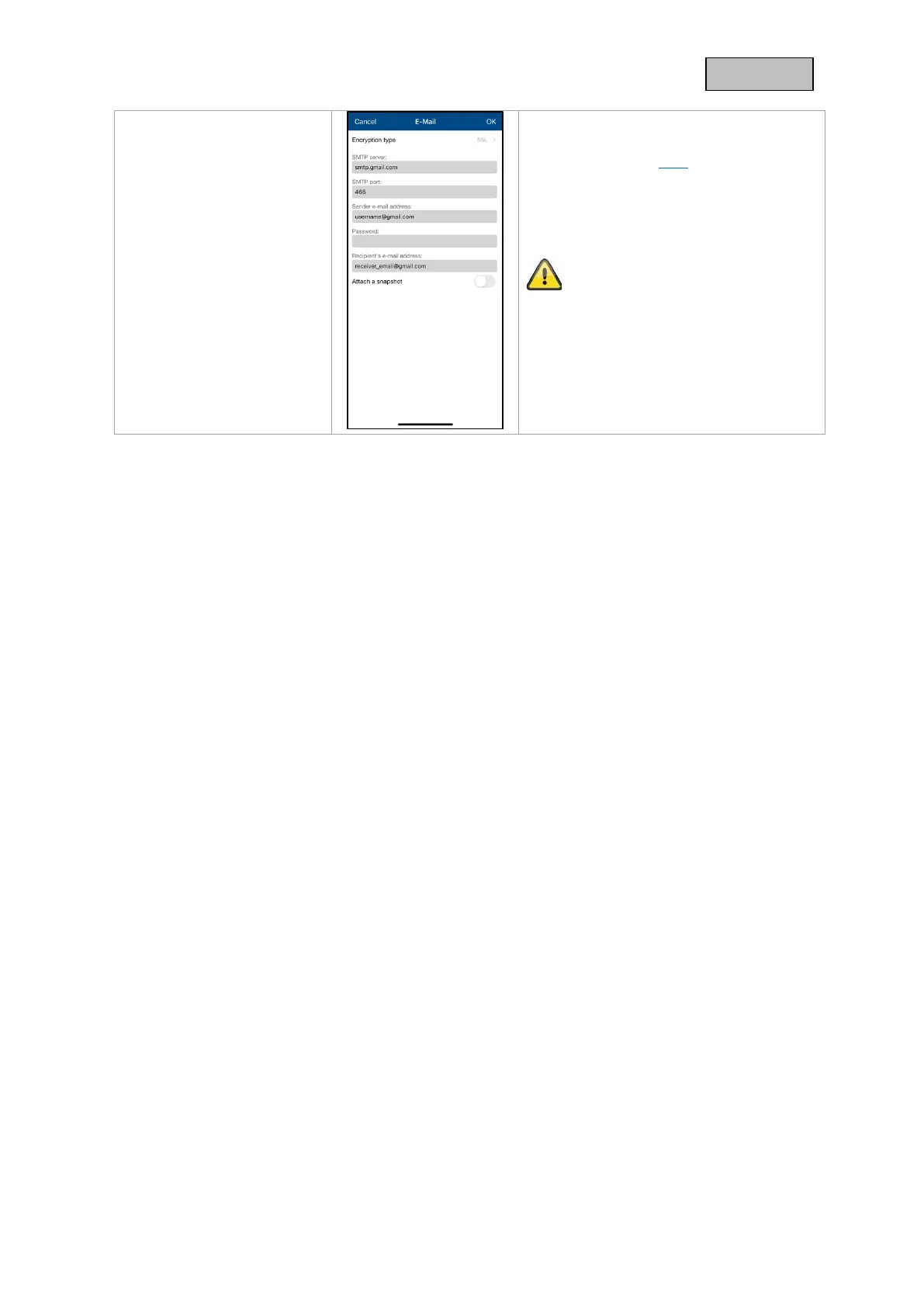
Recipient:
Enter the recipient's e-mail address here.
e.g. xxxx123@test.com
Save the settings by pressing OK. When
exiting the advanced settings, press
"Confirm". Only then will the e-mail
settings be applied.
We recommend using "googlemail" to
send e-mails.
Activate the e-mail notification afterwards.
Please check with your email provider if
certain permissions may need to be
enabled.



 To Next Page