Network
49
1. Enter the parameters of the e-mail notification.
2. Click on Test to send a test e-mail.
Note
The device sends an e-mail to the specified re-
cipients.
If the e-mail is not received, check the settings
and correct them.
If necessary, check the spam filter of your e-mail
client.
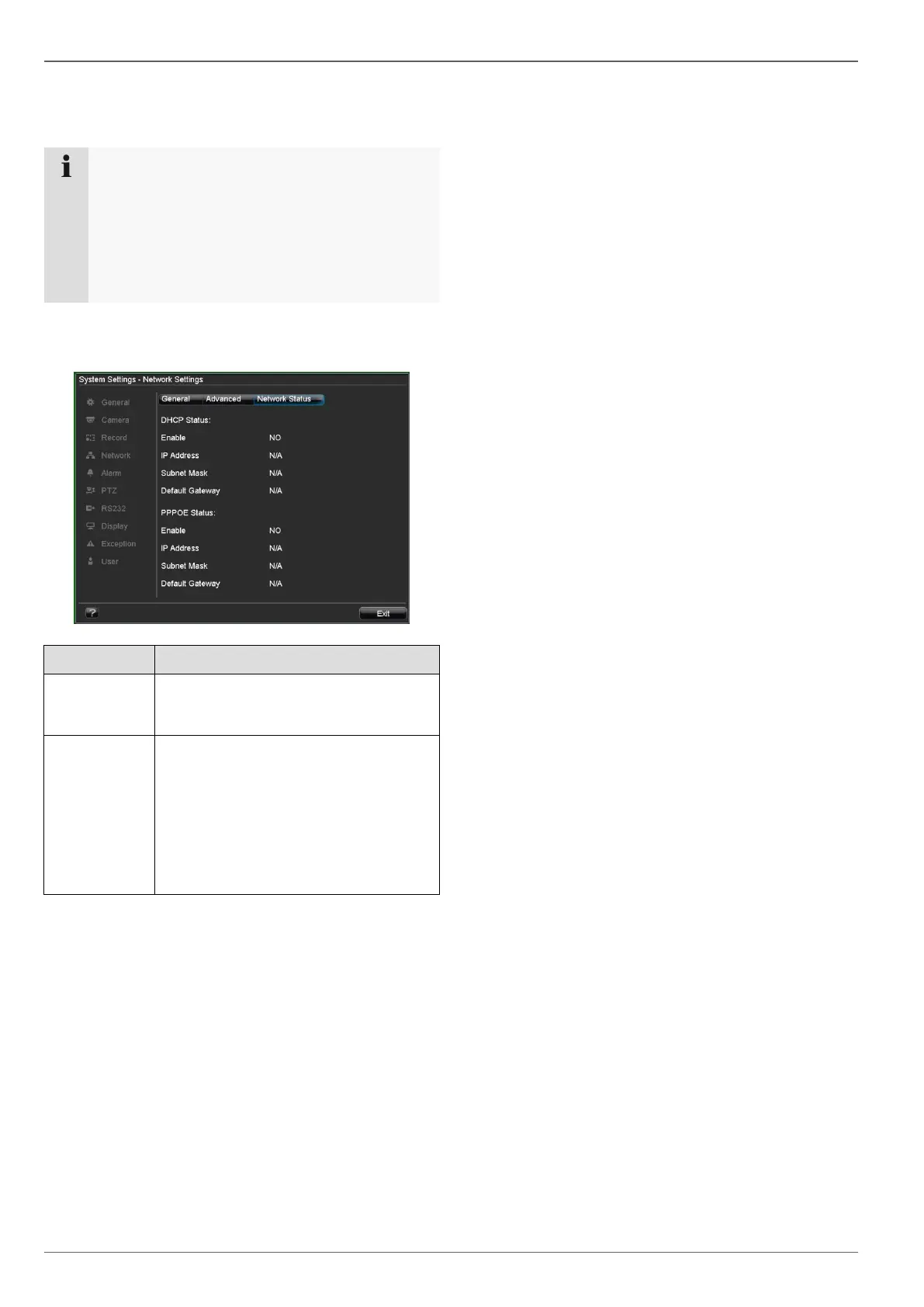
Network Status
Click on the “Network Status” tab to see an overview of
the current network configuration.
Legen Sie i
When DHCP is active, the correspond-
ing parameters are shown. “N/A” is
displayed when DHCP is inactive.
Shows whether an Internet connection
is established during manual set-up.
Also displays the IP address, subnet
mask and defined default gateway.
Note: If a router is used which is set up
as the gateway / DSL modem, then the
PPPOE settings of the router are used.
The display then shows “N/A”.



 To Next Page