System operation
14
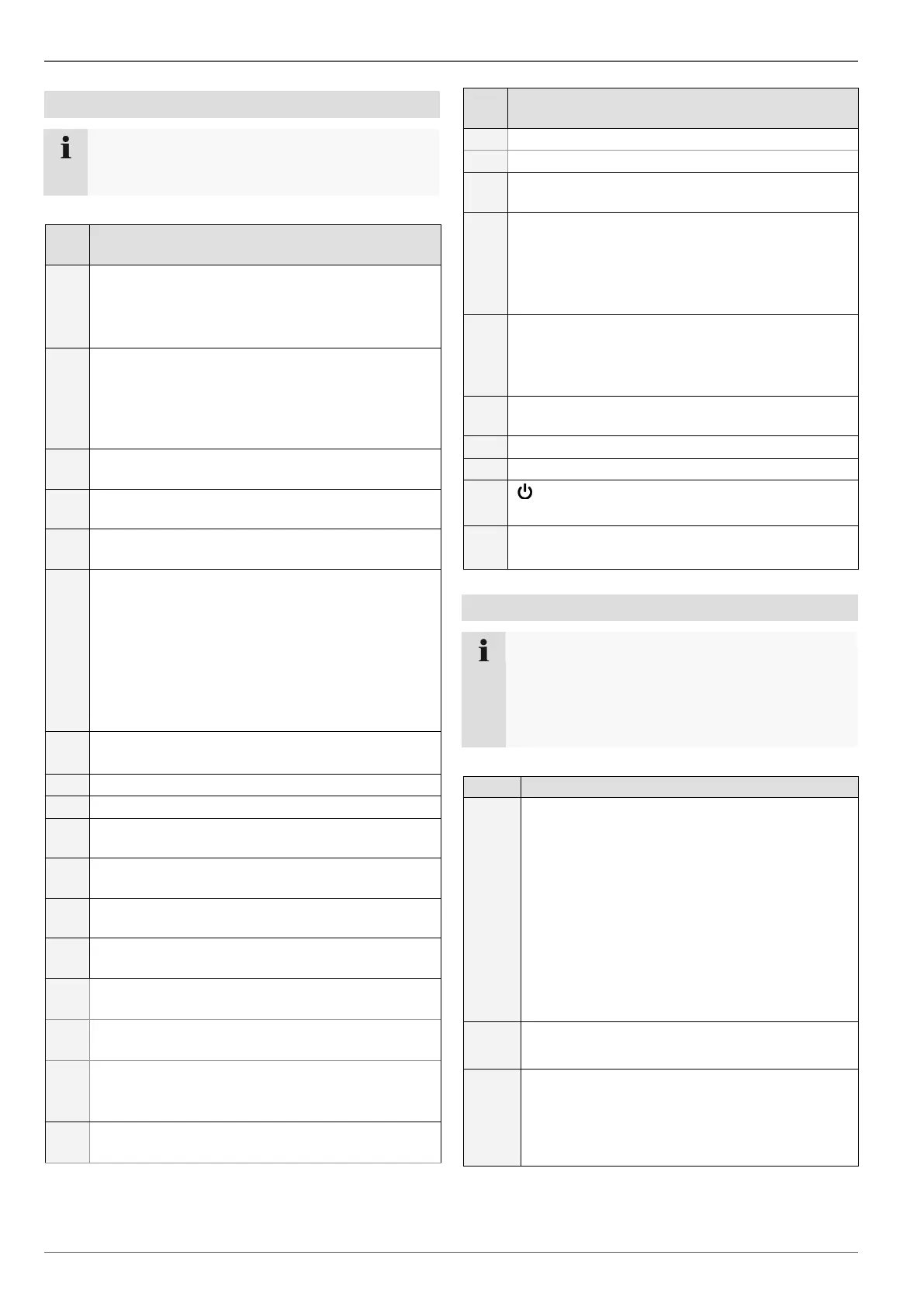
Operating elements on the remote control
Note
Pay attention to the remote control diagram on
page 4.
Alphanumeric keys
For selecting the camera (channel) in the live
view
For entering letters and digits in system fields
A
Changes the entry format (upper/lower case,
symbols, digits)
Further symbols can be displayed by pressing
the “0” button in symbol mode.
PREV
Changes the screen display in the live view
Navigation keys
During playback:
, Sets the speed
, Previous/next day
In PTZ:
Camera control
In menus:
Navigation
Zoom +:
Enlarges the image section in PTZ mode
Zoom -:
Reduces the image section in PTZ mode
IRIS-: In PTZ mode:
Closes the iris
Focus-: In PTZ mode:
Reduces the image section in PTZ mode
IRIS+: In PTZ mode:
Opens the iris
Focus+: In PTZ mode:
Enlarges the image section in PTZ mode
PTZ
Switches on PTZ control
Enter key II
Confirms the selection
Ticks/unticks the boxes
During playback:
PLAY/PAUSE
MENU
Calls up the main menu
Switches the key tones on and off (press and
hold down for 5 seconds)
REC
Opens/starts manual recording
Deletes character during entry
DEV
Assigns the remote control with the device ID
Mouse operation
Note
Further descriptions in these operating instruc-
tions can be accessed with the mouse.
The device is suitable for use with a USB mouse.
Connect the mouse to the USB port.
Single-click
Selection in menu, activation of an entry
field or tab
Double-click
Switches between the screen display of
single and multiple images in the live view
and during playback
Click and drag
In PTZ mode: Camera control
Set-up of alarm areas or zones
Single-click
Calls up the pop-up menu
In full-screen live view
Shows previous/next camera
In menus:
Selects/changes settings



 To Next Page