Chapter 3 Operation Installation and Operation Manual
3-4 Default Settings ASMi-54 Ver. 1.0
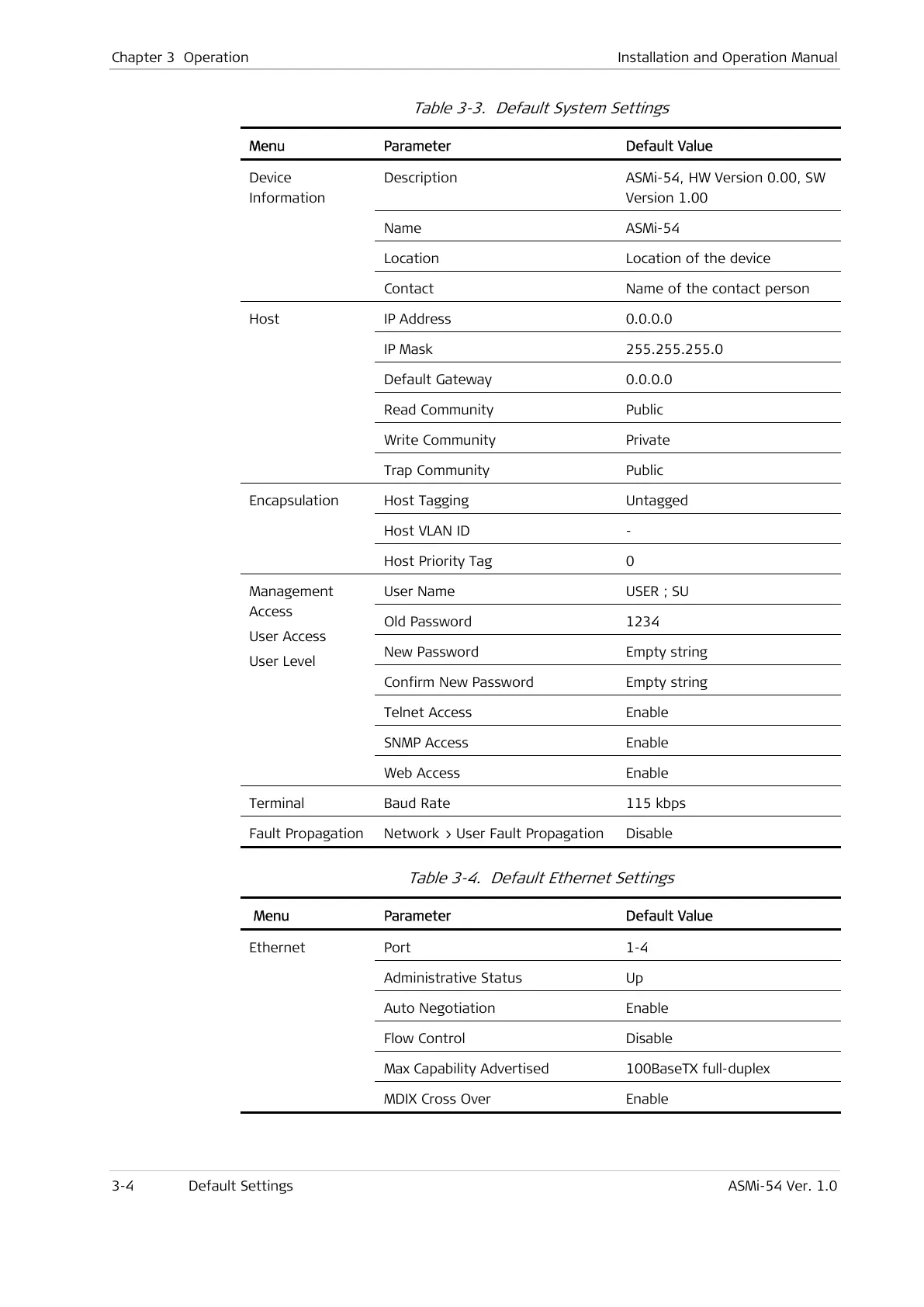
Table 3-3. Default System Settings
Menu Parameter Default Value
Description ASMi-54, HW Version 0.00, SW
Version 1.00
Name ASMi-54
Location Location of the device
Device
Information
Contact Name of the contact person
IP Address 0.0.0.0
IP Mask 255.255.255.0
Default Gateway 0.0.0.0
Read Community Public
Write Community Private
Host
Trap Community Public
Host Tagging Untagged
Host VLAN ID -
Encapsulation
Host Priority Tag 0
User Name USER ; SU
Old Password 1234
New Password Empty string
Confirm New Password Empty string
Telnet Access Enable
SNMP Access Enable
Management
Access
User Access
User Level
Web Access Enable
Terminal Baud Rate 115 kbps
Fault Propagation Network > User Fault Propagation Disable
Table 3-4. Default Ethernet Settings
Menu Parameter Default Value
Port 1-4
Administrative Status Up
Auto Negotiation Enable
Flow Control Disable
Max Capability Advertised 100BaseTX full-duplex
Ethernet
MDIX Cross Over Enable



 To Next Page