VIRUS CLASSIC MANUAL 75
The Parameters
FM MODE
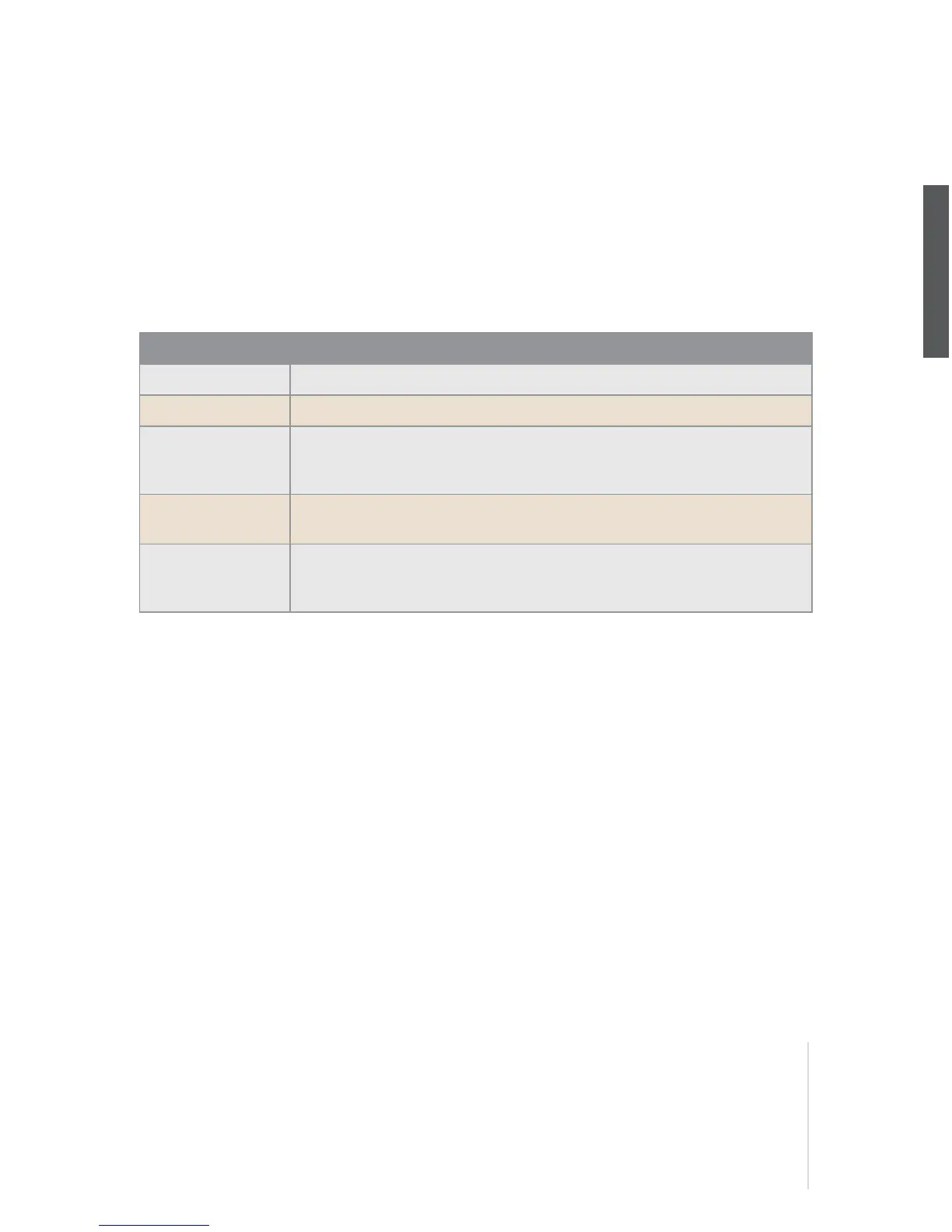
Oscillator 2’s frequency modulation can be executed in a variety of ways using a different signal or
modulation sources. You can also select an external audio signal for frequency modulation. Set the
intensity of the modulation via the FM AMOUNT knob. Choose the sine wave for Oscillator 2 in
order to achieve the most transparent form of frequency modulation. Here’s a look at the FM
sources that you have at your disposal:
FILT ENV -> PITCH
This parameter determines the intensity at which the filter envelope controls the pitch of the second
oscillator (PITCH OSC 2).
FILT ENV -> FM
It determines the intensity at which the filter envelope controls the frequency modulation (FM
AMOUNT). This as well as the previous parameter are ”relics” from the predecessor model of the
Virus. Modulations such as these may also be implemented via the Modulation Matrix (see the sec-
tion ”ASSIGN” below).
Value Description
POSTRI
One-way FM with a positive triangle generated by Osc1.
TRI
Linear FM with a bipolar triangle generated by Osc1.
WAVE
The selected Osc1 wave is the FM source. This lets you in some cases cre-
ate typical DX7-FM sounds (here Oscillator 1 SHAPE should be set to
WAVE).
NOISE
The noise generator is the FM source (see also NOISE Color). Excellent for
drum sounds.
INPUT
Here the mono or stereo signal from external analog inputs or from an inter-
nal aux bus may be routed to the frequency modulation. The input FM is in
real stereo, even in connection with UNISON mode.



 To Next Page