2-6 System Components User Manual
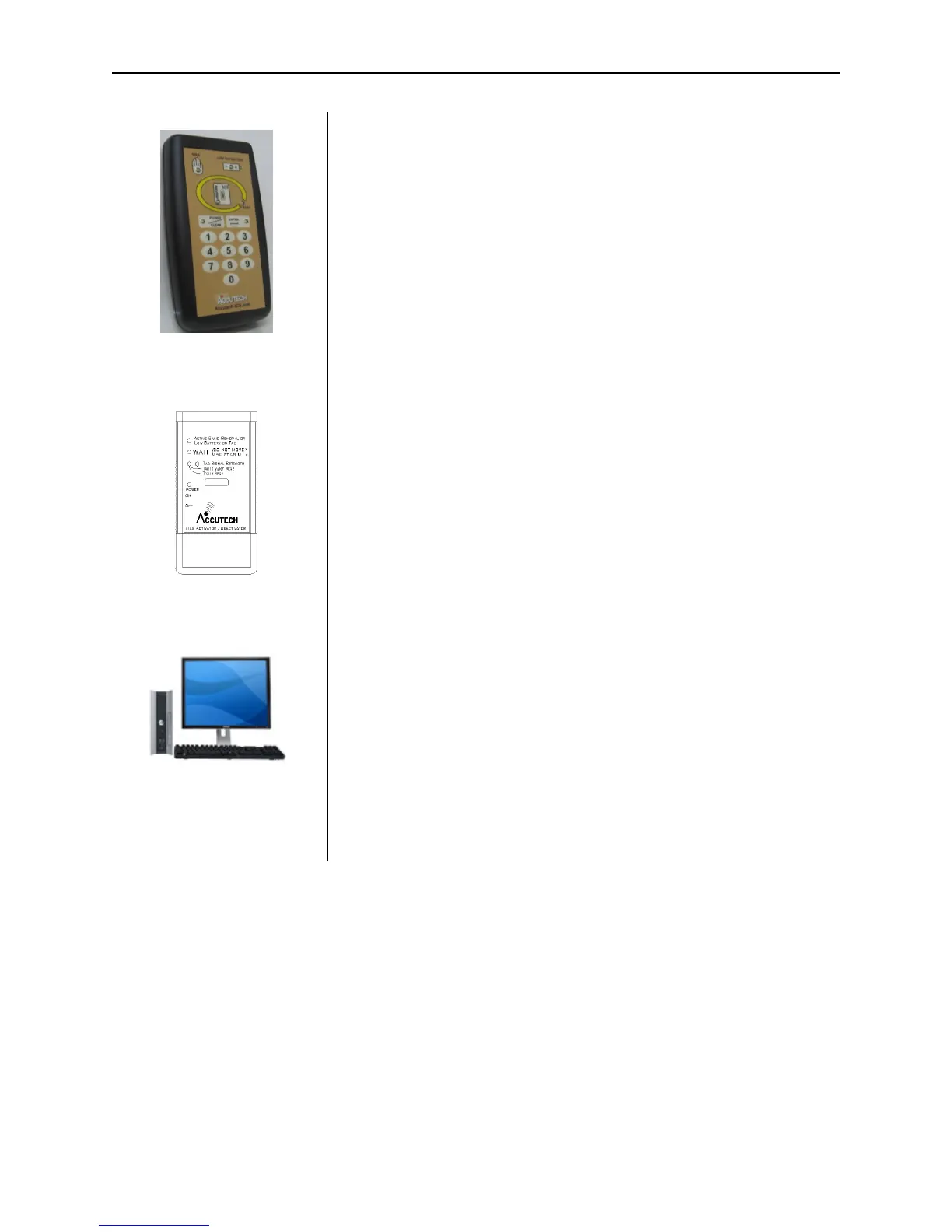
Figure 2.15
S-TAD
Secure Tag Activator/Deactivator (S-TAD)
The S-TAD (Secure Tag Activator/Deactivator) is used to check the
functionality of an Accutech Tag. Accutech Tags operate by internal
battery. Over the course of normal operation, Tags eventually lose
battery power and the Tags will need to be replaced. The S-TAD is
used to determine if a Tag has sufficient battery power to respond to
an activating signal.
Figure 2.16
The TAD
Tag Activator/Deactivator (TAD)
TAD (Tag Activator/Deactivator) is used to check the functionality of
an Accutech Tag. Accutech Tags operate by internal battery. Over the
course of normal operation, Tags eventually lose battery power and the
Tags will need to be replaced. The TAD is used to determine if a Tag
has sufficient battery power to respond to an activating signal. The
TAD was replaced by the S-TAD in late 2008.
Figure 2.17 PC
PC
A PC (Figure 2.17) is required for IS 3200 and BR 4200 Systems.
The Accutech Software is installed on each monitoring PC and is used
to display incoming event information. Using the facility’s floor plan
as the background, zone-specific icons (i.e., doors, elevators,
stairwells, hallways, and BR 4200 Auxiliary Receivers) are placed at
each monitored zone’s location and become animated when an alarm
occurs.



 To Next Page