User Manual System Components 2-7
Figure 2.18 Tag Test Station
Tag Test Station (TTS)
The Tag Test Station (TTS) (Figure 2.18) is used for Tag
assignments, checking for low Tag battery, and verifying the Tag
number.
Figure 2.19
Accutech Software example
Accutech Software
The Accutech Software (Figure 2.19) is installed on each
monitoring PC and is used to display incoming event information.
Using the facility’s floor plan as the background, zone-specific
icons (i.e., doors, elevators, stairwells, hallways, and BR 4200
Auxiliary Receivers) are placed at each monitored zone’s location
and become animated when an alarm occurs.
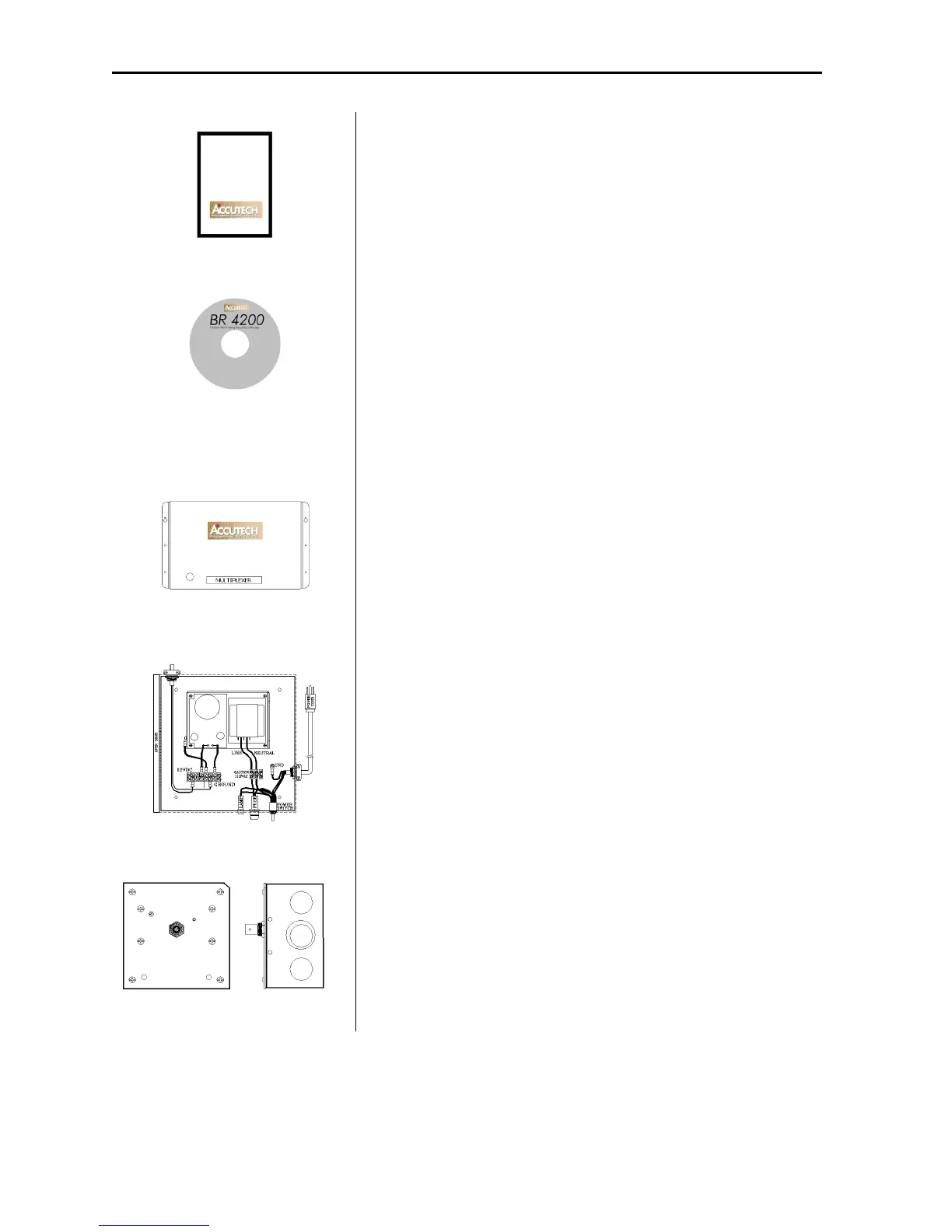
Figure 2.20 Multiplexer
Multiplexer
The Multiplexer (Figure 2.20) relays event information sent from
the Controller and Receivers to Graphic Display Panels (GDPs)
and to PCs with the Accutech Software.
Figure 2.21 Power Supply
Power Supply
The inclusion of multiple peripherals into the Accutech System
may require more power than the Controller can provide. In these
cases, a Power Supply (Figure 2.21) is added to the system to meet
the additional power requirements.
Figure 2.22 Auxiliary Receiver
Auxiliary Receiver
The Auxiliary Receiver (Figure 2.22) picks up the signal from an
activated Tag and relays it to the Controller and the Multiplexer.



 To Next Page