01010101100110101010110011010101011001101010101100110101010110011010101011001101010101100110
10011010
1010110011010101011001101010101100110101010110011010101011001101010101100110101010110011010101011011010101011
10101010110011010101011011010101001101010100110101101101101010100101
1011010101100110011010101011010101111010111
11010101101101010100111110
0110110011
Seagate PC-3000 EXPRESS / UDMA / PORTABLE
F3 architecture ACE Lab
Technical support: ts@acelab.ru
Phone: +7 863 201 50 06
46 ts.acelaboratory.com
♦ correction of the available heads counter during the damage diagnostics stage;
♦ correction of model name / serial number, etc. in case of repair;
♦ transfer of adaptive data from a damaged ROM to a live donor chip;
♦ transfer of adaptive data from a ROM with vendor-recognized software error preventing the HDD from reaching
readiness (or accessing it through the terminal, etc.), to a donor updated ROM from the firmware library;
♦ transfer of adaptive information associated with drive heads during replacement of the heads assembly with
MHA borrowed from a donor drive.
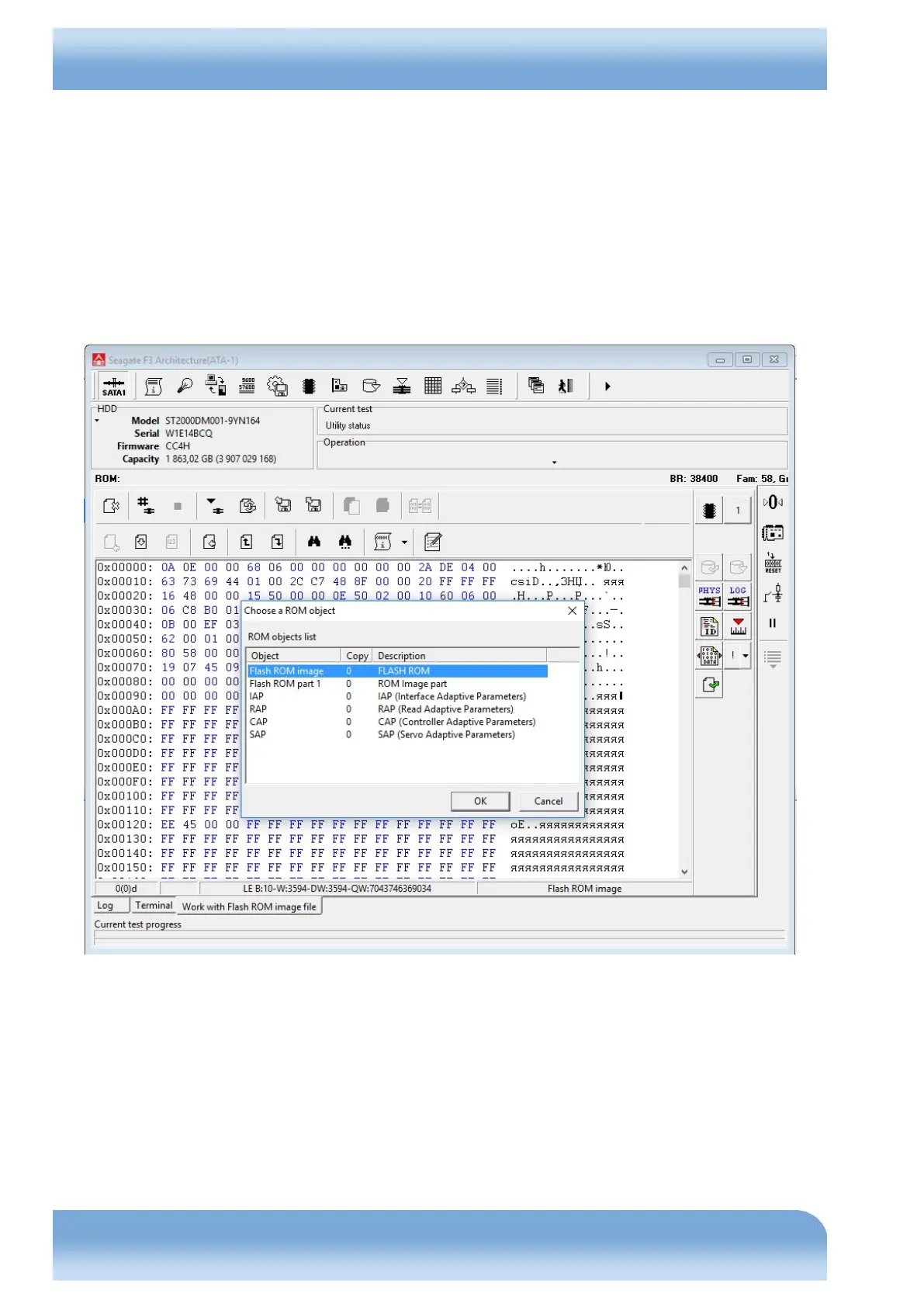
These tasks can be performed using the tool 'Work with Flash ROM image file', available in the 'Tools → Utility
extensions' menu.
Fig. 7.11


 To Next Page