Getting familiar with your computer14
English
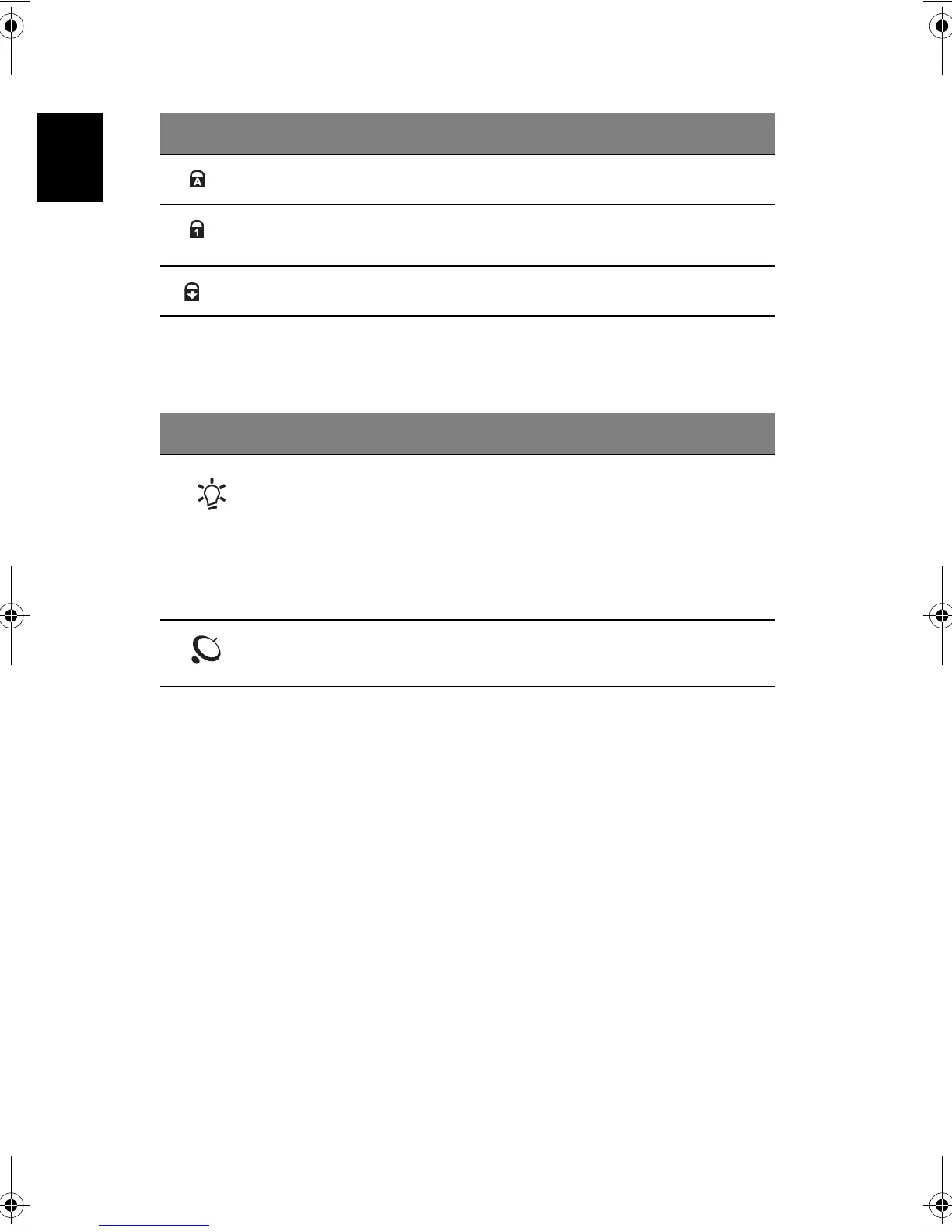
The two indicators located at the front of the unit provide the following status
information:
3
Caps Lock active.
4
Num Lock active. (Note: the keypad lock must be turned on to use
the embedded numeric keypad.)
5
Scroll Lock active.
# Description
1
Power mode:
Steady green the computer is on (even if the display is
turned off).
Steady orange the computer is in standby mode.
Off the computer is turned off, or in hibernation
mode.
2
InviLink indicator:
Indicates status of (optional) wireless communication.
# Description
Bt2811`F/cppl!!Qbhf!25!!Uvftebz-!Nbsdi!22-!3114!!22;5:!BN








 To Next Page