43
English
English
External display devices
You can connect an external (VGA) monitor or projector to your
computer's external display port. See the section entitled "Display" for
information on using the computer's simultaneous display and multi-
display features.
Use the Fn + F5 hot key to toggle the display setting between the
computer's LCD panel and the external display device. See "Hot keys"
for more information.
External input devices
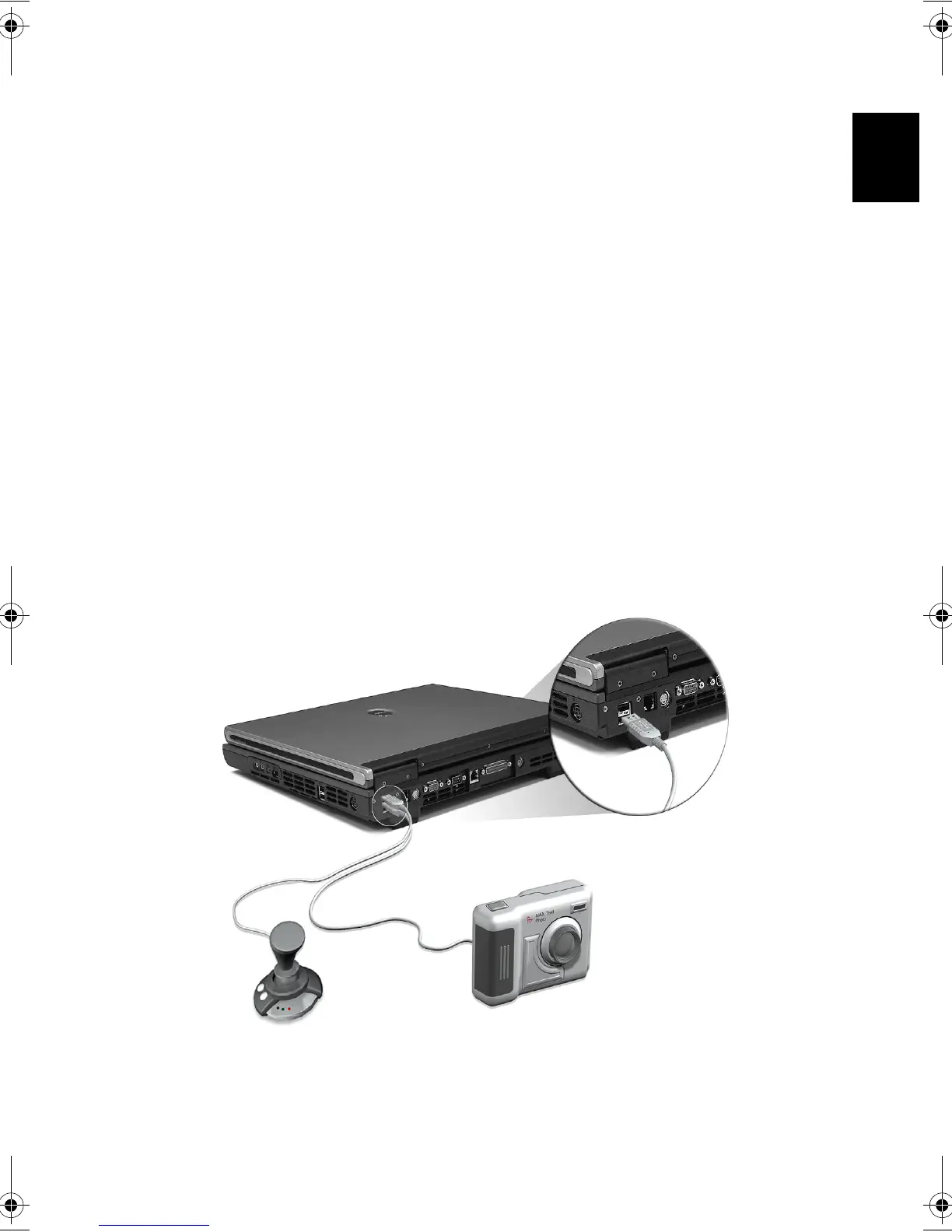
You can connect a variety of input devices to your computer's USB
ports, providing increased functionality and greater ease-of-use. In
addition, the USB ports can be used to connect many other peripheral
devices, such as digital cameras, printers and scanners. See "Expansion
devices" for more information on connecting USB devices.
Bt2811`F/cppl!!Qbhf!54!!Uvftebz-!Nbsdi!22-!3114!!22;5:!BN






 To Next Page