13
English
English
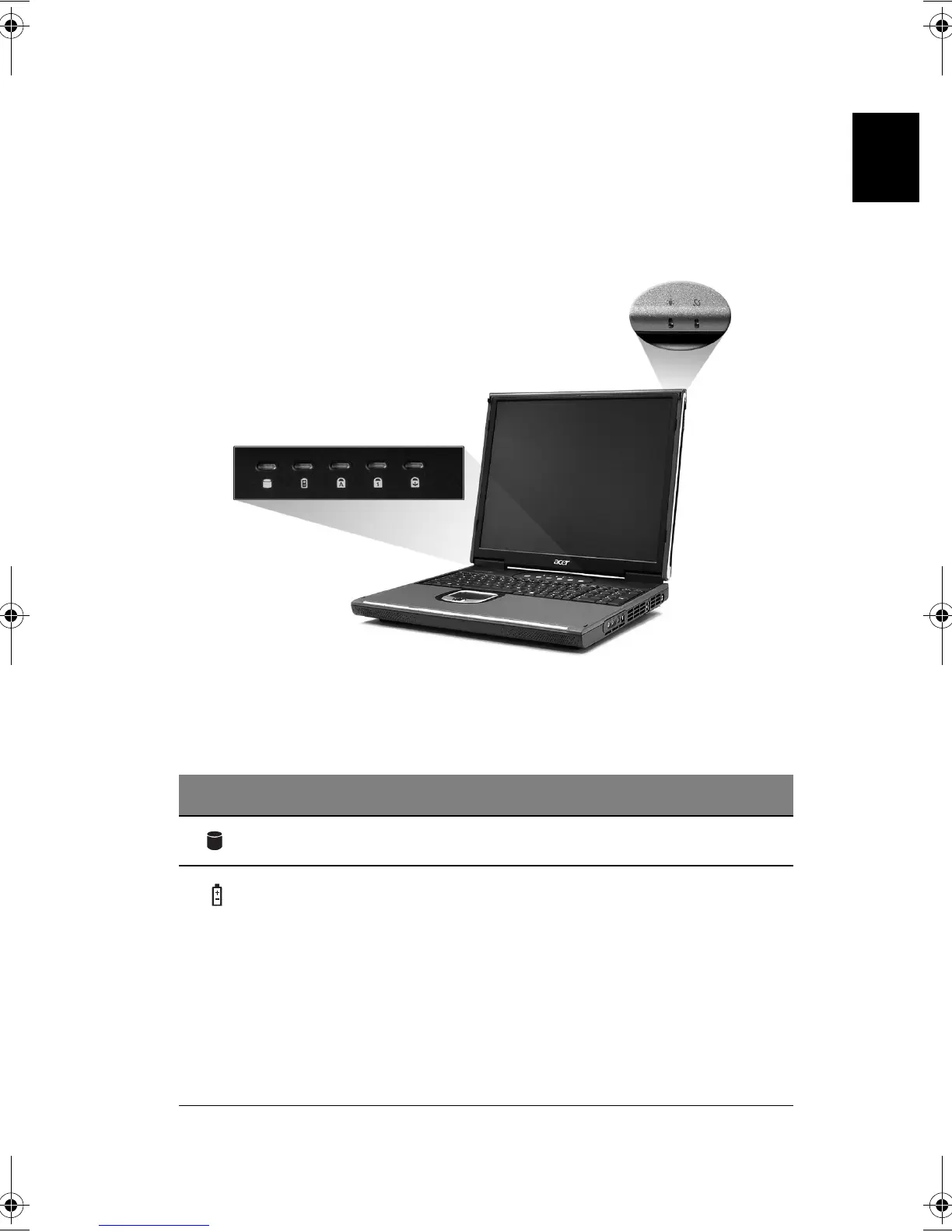
Indicators
Your computer provides an array of five indicators located above the
keyboard, in addition to two indicators positioned at the top right hand
corner of the LCD panel. These indicators show the status of the computer
and its components.
The five indicators located above the keyboard provide the following status
information:
# Description
1
Hard disk drive activity.
2
Battery charge:
Green the AC adapter is connected and the battery is fully
charged.
Amber the AC adapter is connected and the battery is
charging.
Red the AC adapter is connected and the battery has a
fault.
Off the AC adapter is not connected, or the battery is
not installed.
Bt2811`F/cppl!!Qbhf!24!!Uvftebz-!Nbsdi!22-!3114!!22;5:!BN






 To Next Page