25
English
English
Connectivity options
Your computer has built-in connectivity options, enabling you to hook up to a
network or communicate over a phone line.
Ethernet and LAN
The integrated network feature allows you to connect your computer to an
Ethernet-based (10/100Mbps) network.
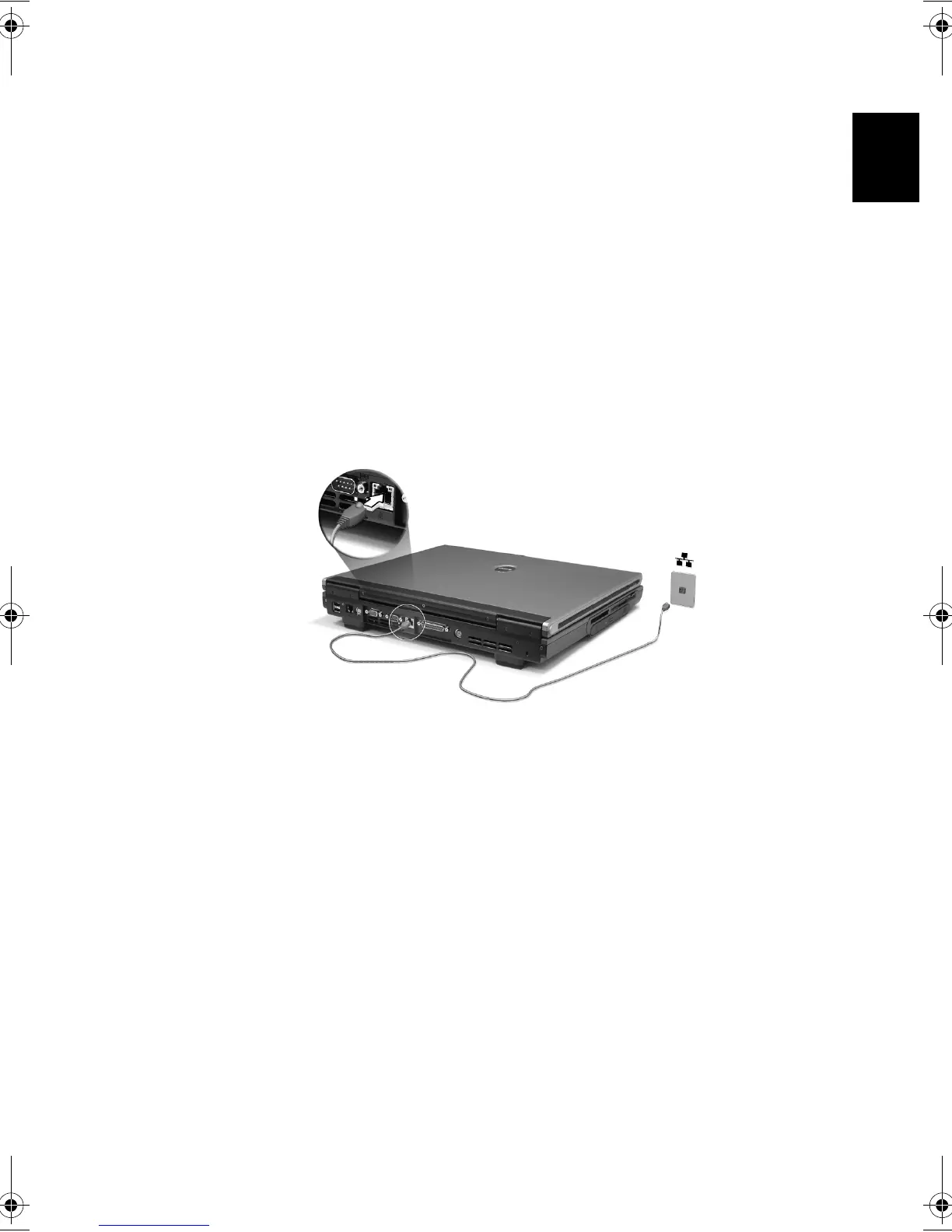
To use the network feature, plug an Ethernet cable into your computer's
network jack, and then connect the other end to a network jack or hub on
your network.
See Windows Help for information on setting up a network connection.
Bt2811`F/cppl!!Qbhf!36!!Uvftebz-!Nbsdi!22-!3114!!22;5:!BN






 To Next Page