2 System tour
12
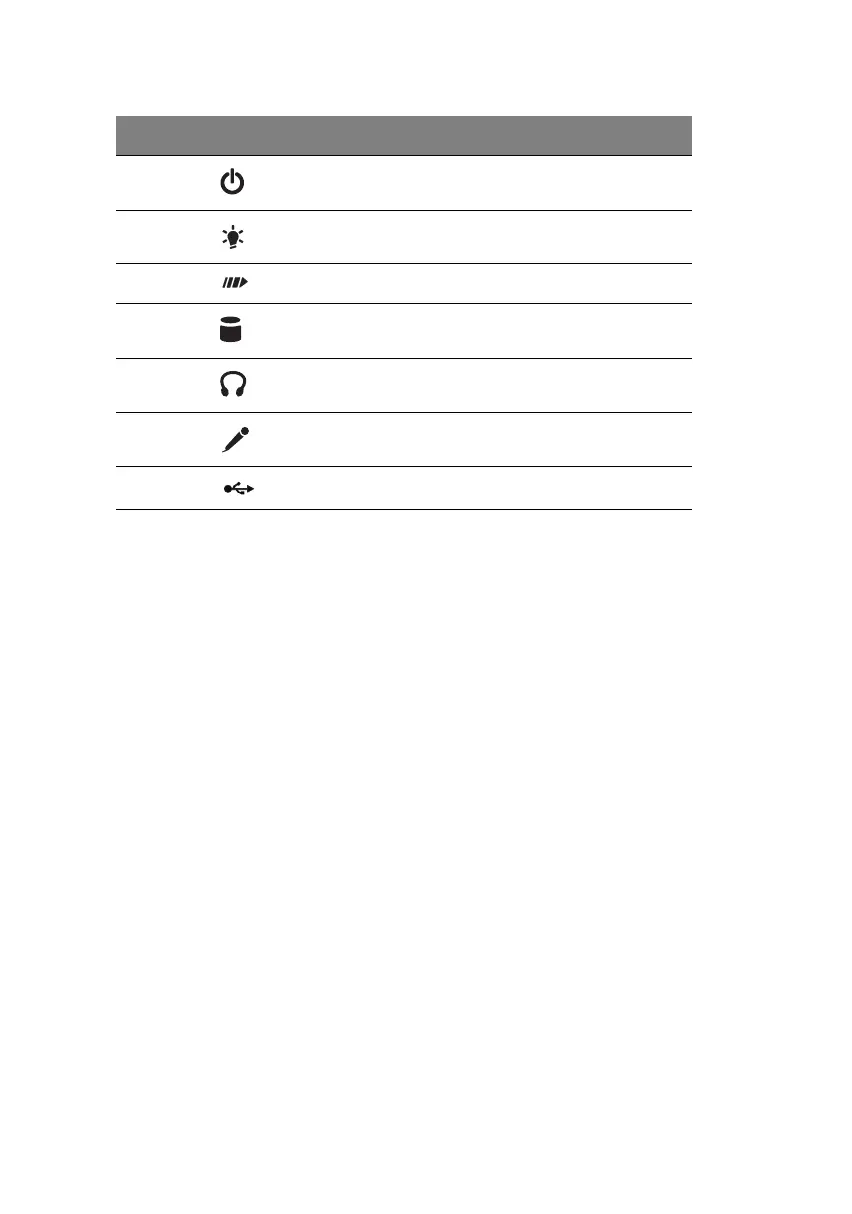
j Power switch
kPower LED
l System activity LED
m Hard disk drive activity LED
n Headphone-out port
o
Microphone-in port
a
p USB ports
a. The system has two microphone-in ports (front and rear). However, you can not use
both of them at the same time. The default setting for your system enables the micro-
phone-in port in front and disables the one at the back.
Label Icon Component
ver3200AAC-0.book Page 12 Friday, March 2, 2001 3:52 PM












 To Next Page