3 Setting up your computer
38
Network
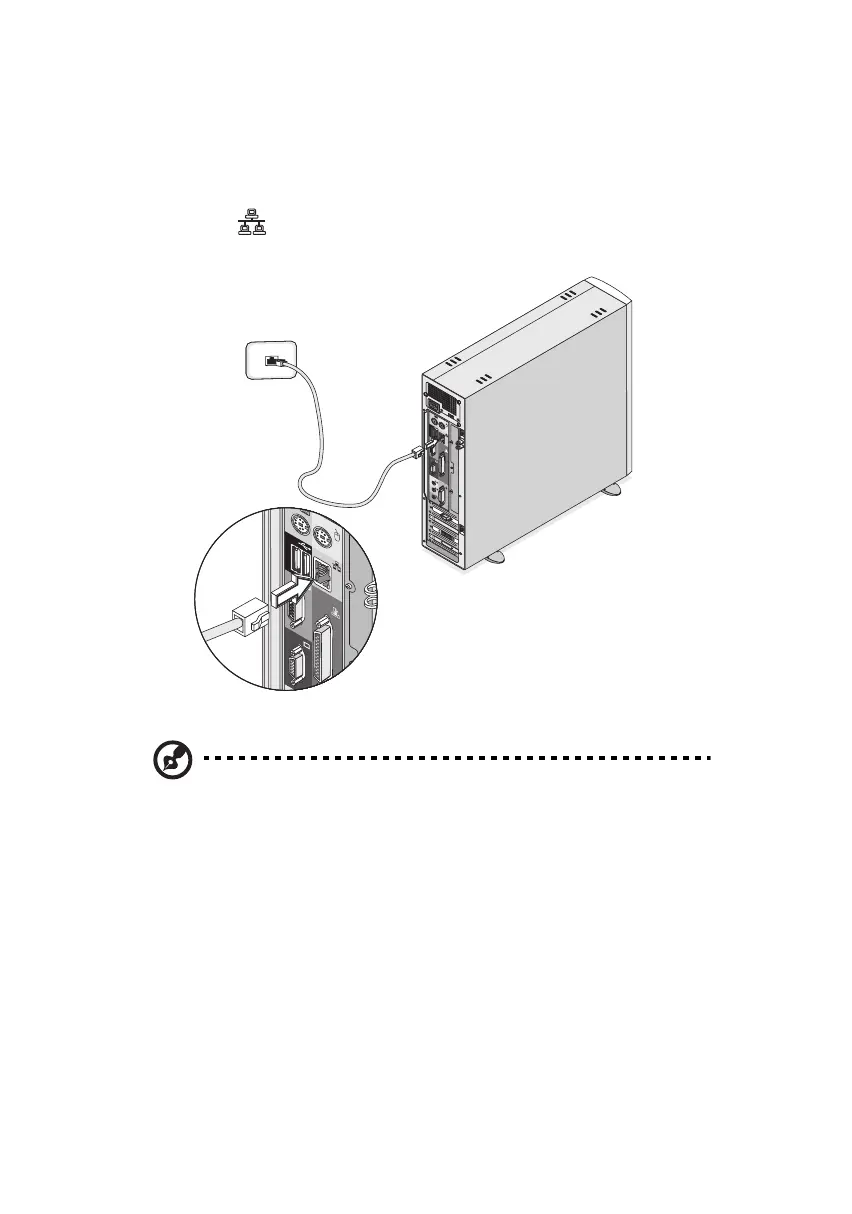
You can connect your computer to a Local Area Network (LAN) using a
network cable. To do so, simply plug the network cable into the
network port (gray port) on the rear panel of your computer.
Note: Consult your operating system manual for information on
how to configure your network setup.
ver3200AAC-0.book Page 38 Friday, March 2, 2001 3:52 PM












 To Next Page