4 Upgrading your computer
66
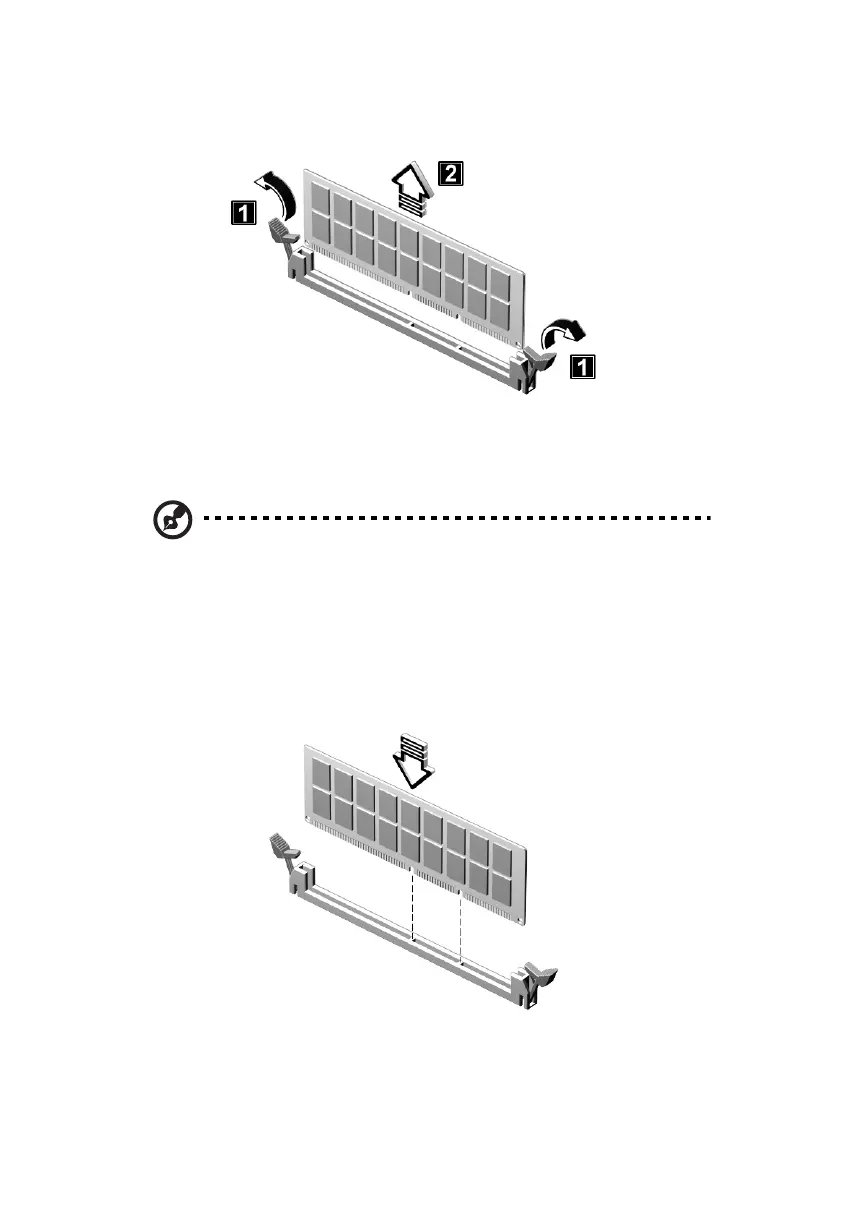
2. Gently pull the DIMM out of the socket (see step 2 in the figure).
To install a DIMM
Note: Observe the “Installation precautions” on page 47 when
installing or removing a computer component. Also, make sure
that you have removed the computer cover (see
page 49).
1. Open the clips on the socket.
2. Align the DIMM with the socket.
3. Press the DIMM into the socket until the clips lock onto the DIMM.
ver3200AAC-0.book Page 66 Friday, March 2, 2001 3:52 PM












 To Next Page