69
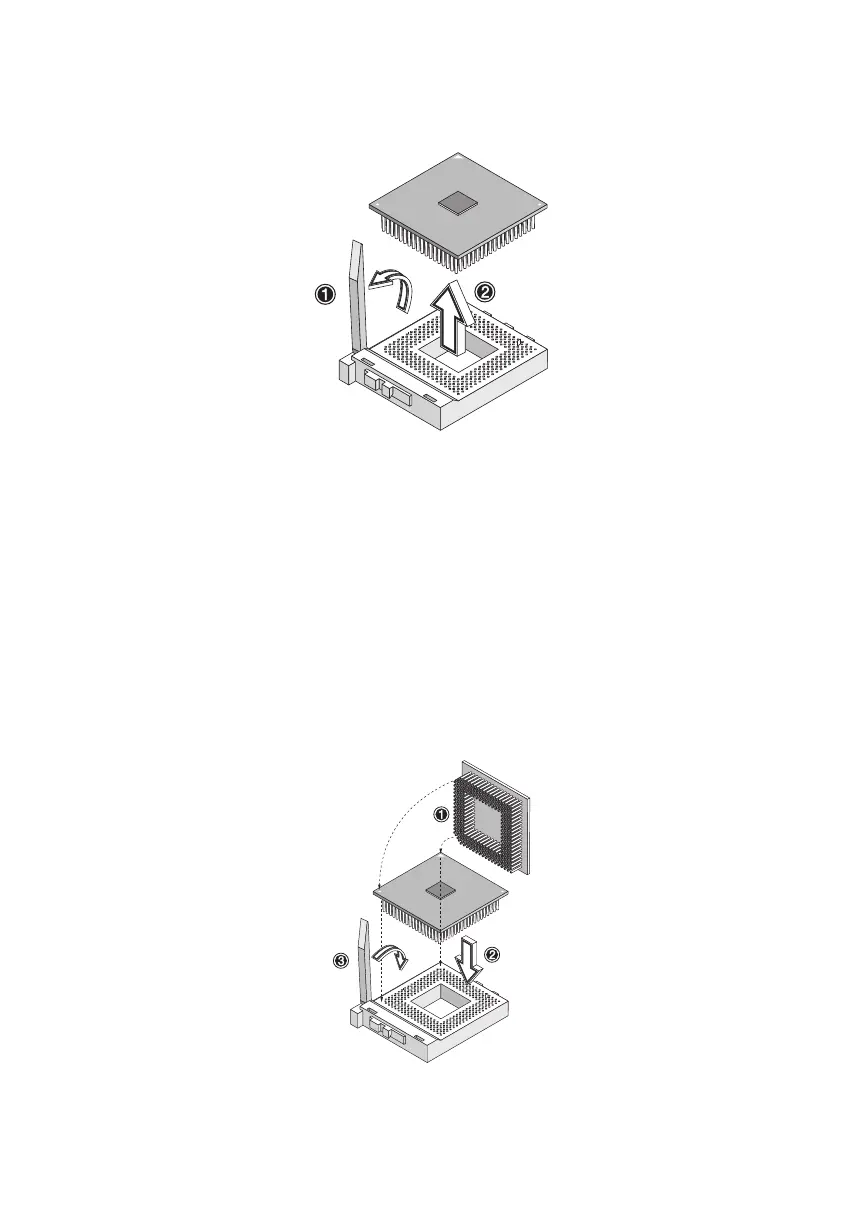
4. Lift up the socket lever and then pull the CPU out of the socket.
To install the upgrade CPU
Before you proceed, make sure that there is no CPU installed in the
CPU socket.
Follow these steps to install the upgrade CPU:
1. Lift up the socket lever.
2. Insert the CPU, making sure that pin 1 (indicated by a notched
corner) of the CPU connects to hole 1 of the socket (the bottom
right corner). Press down the socket lever to lock the CPU into the
socket.
ver3200AAC-0.book Page 69 Friday, March 2, 2001 3:52 PM












 To Next Page