3 Setting up your computer
40
Multimedia devices
You can connect multimedia devices such as a microphone,
headphones or earphones, speakers, an external CD player and a
joystick (for games). These devices will allow you to take advantage of
your computer’s multimedia features.
Plug the devices in as follows:
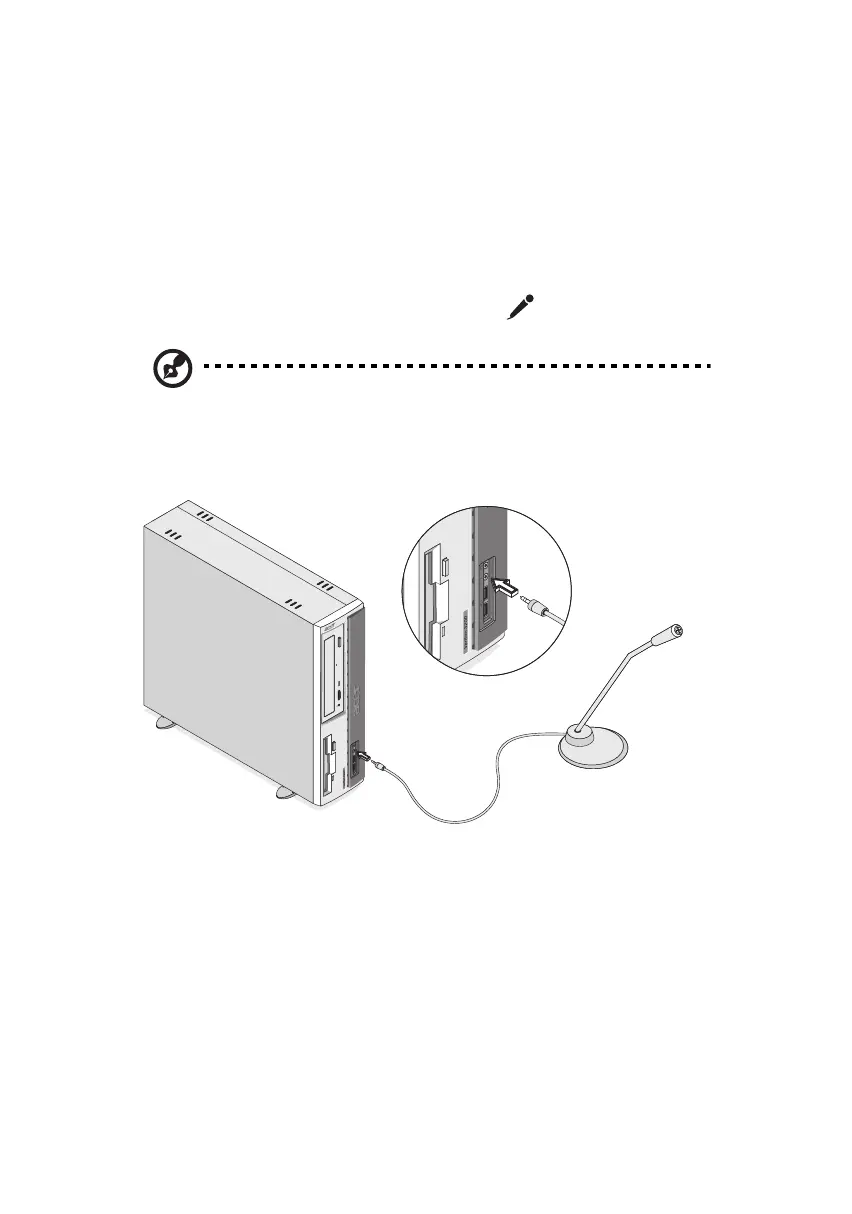
• microphone: connects to the Mic-in port (pink port) located
on the front and rear panel of your computer
Note: The system has two microphone-in ports (front and rear).
However, you can not use both of them at the same time. The
default setting for your system enables the microphone-in port in
front and disables the one at the back.
ver3200AAC-0.book Page 40 Friday, March 2, 2001 3:52 PM












 To Next Page