3 Setting up your computer
34
Power cable
Caution! Before you proceed, check the voltage range in your
area. Make sure that it matches your computer’s voltage setting
(see the voltage selector switch located on the rear panel of your
computer). If they don’t match, change your computer’s voltage
setting according to your area’s voltage range.
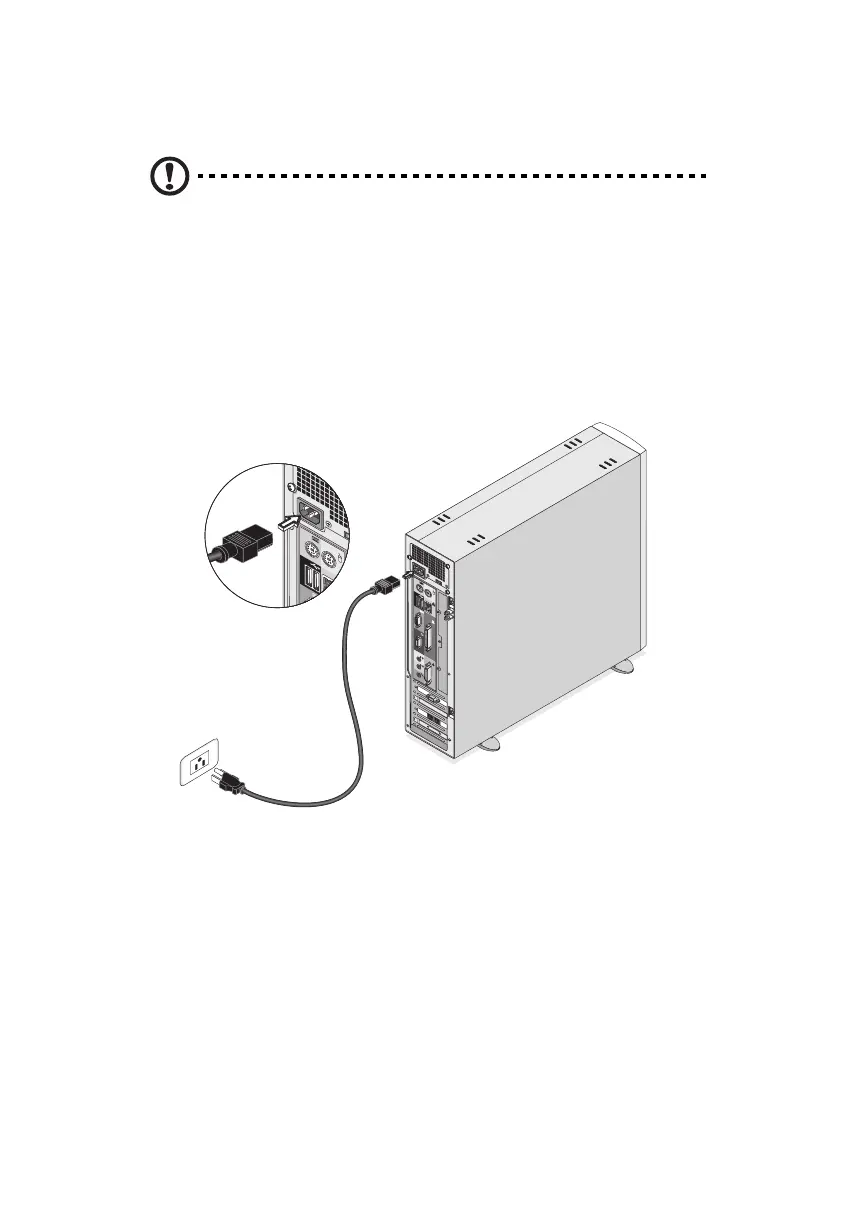
Plug the power cable into the power cable socket located on the rear
panel of your computer. Then plug the other end of the power cable
into a power outlet.
ver3200AAC-0.book Page 34 Friday, March 2, 2001 3:52 PM












 To Next Page