19
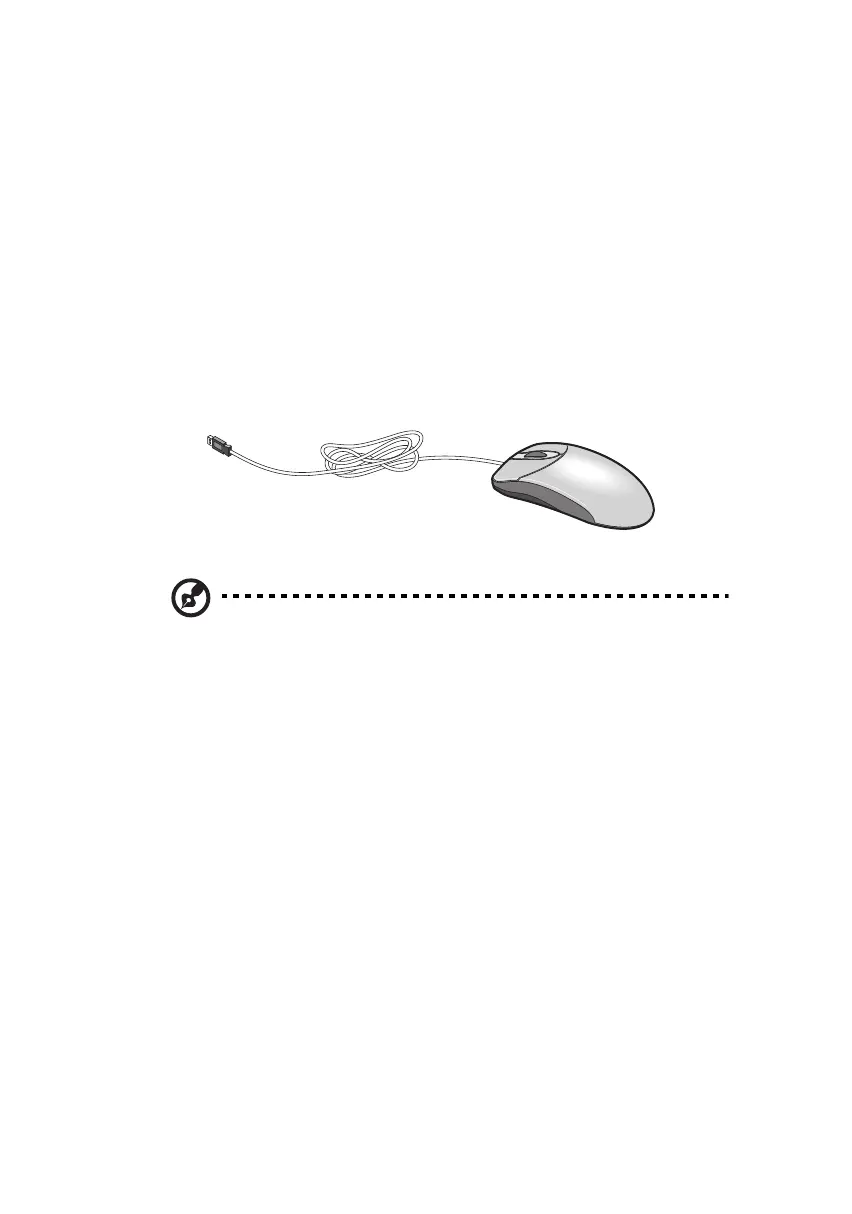
Mouse
Your mouse has one ratchet wheel and two buttons: a left button and
a right button. Quickly pressing and releasing the buttons is called
clicking. Sometimes, you will need to do a double-click (clicking the
same button twice quickly) or a right-click (clicking the right button
quickly).
The ratchet wheel in between the two buttons is added to provide
easier scrolling capability. By simply moving the wheel with your index
finger, you can quickly move through multiple pages, lines, or
windows. The wheel may also function as a third button allowing you
to quickly click or double-click an icon or a selected item.
Note: If you are left-handed, refer to your Windows manual for
instructions on how to set up your mouse for left-handed use.
ver3200AAC-0.book Page 19 Friday, March 2, 2001 3:52 PM












 To Next Page