35
Turning on your computer
After connecting the necessary peripherals and plugging in the power
cable, you are now ready to turn the computer on and get to work.
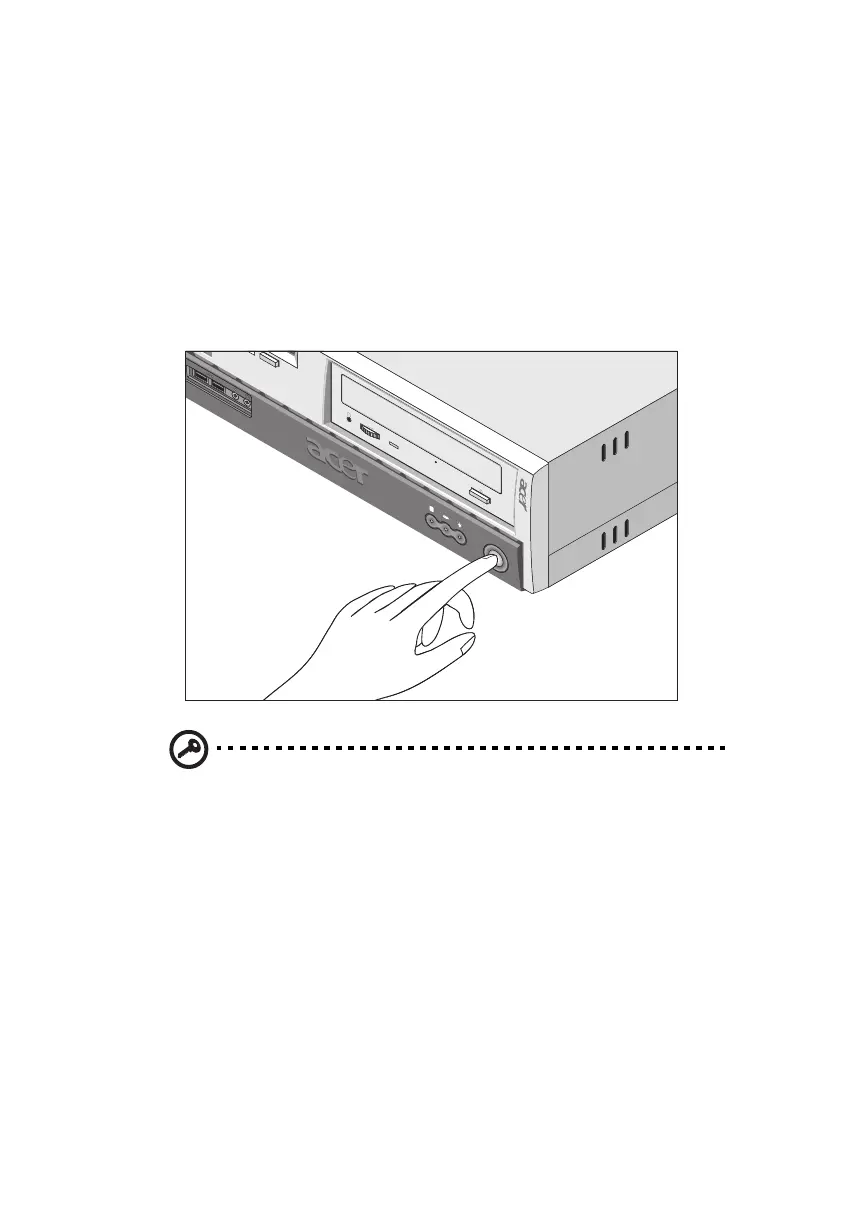
To turn on your computer:
1. Turn on all peripherals connected to your computer such as the
monitor, printer, fax, speakers, etc.
2. On the front panel of your computer, press the power button.
Important: Make sure that the power cable is properly plugged
into an electrical outlet. If you are using a power strip or an AVR
(Auto-Voltage Regulator), make sure that it is plugged in and
turned on.
ver3200AAC-0.book Page 35 Friday, March 2, 2001 3:52 PM












 To Next Page