15
Keyboard
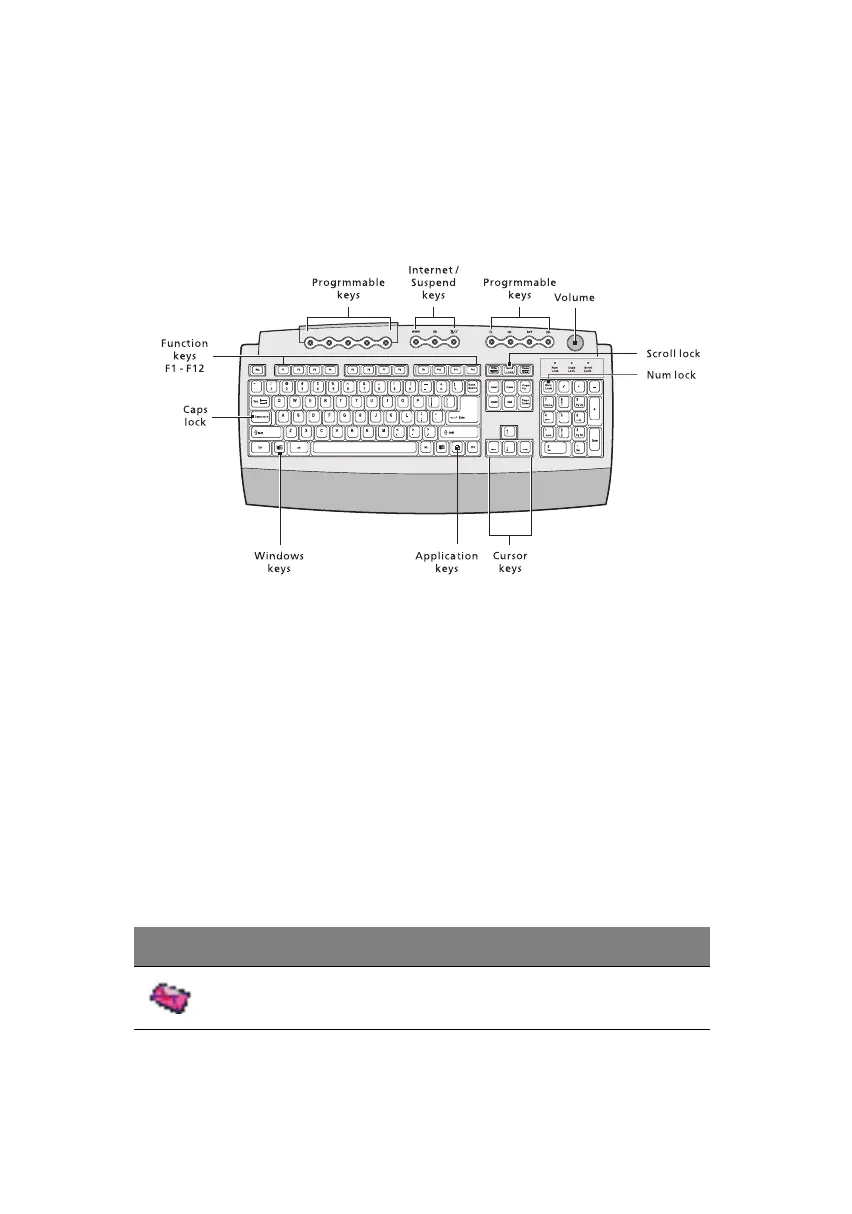
The keyboard that came with your computer has full-sized keys that
include separate cursor keys, two Windows keys, and twelve function
keys.
Programmable keys
The programmable keys help you directly access a URL (Web site) or
launch any program, file, or application in your system. The fifth key is
set to launch the media player. If you want to configure the settings of
each key, right-click on the Magic Keyboard icon located on your
Windows desktop.
Internet/Suspend keys
The Internet/Suspend keys consist of three buttons:
Icon Key Description
Email Launches the email application that
came bundled with your system.
ver3200AAC-0.book Page 15 Friday, March 2, 2001 3:52 PM












 To Next Page