2 System tour
14
For information on how to connect the peripherals, see “Connecting
peripherals” on page 31 and “Connecting options” on page 37.
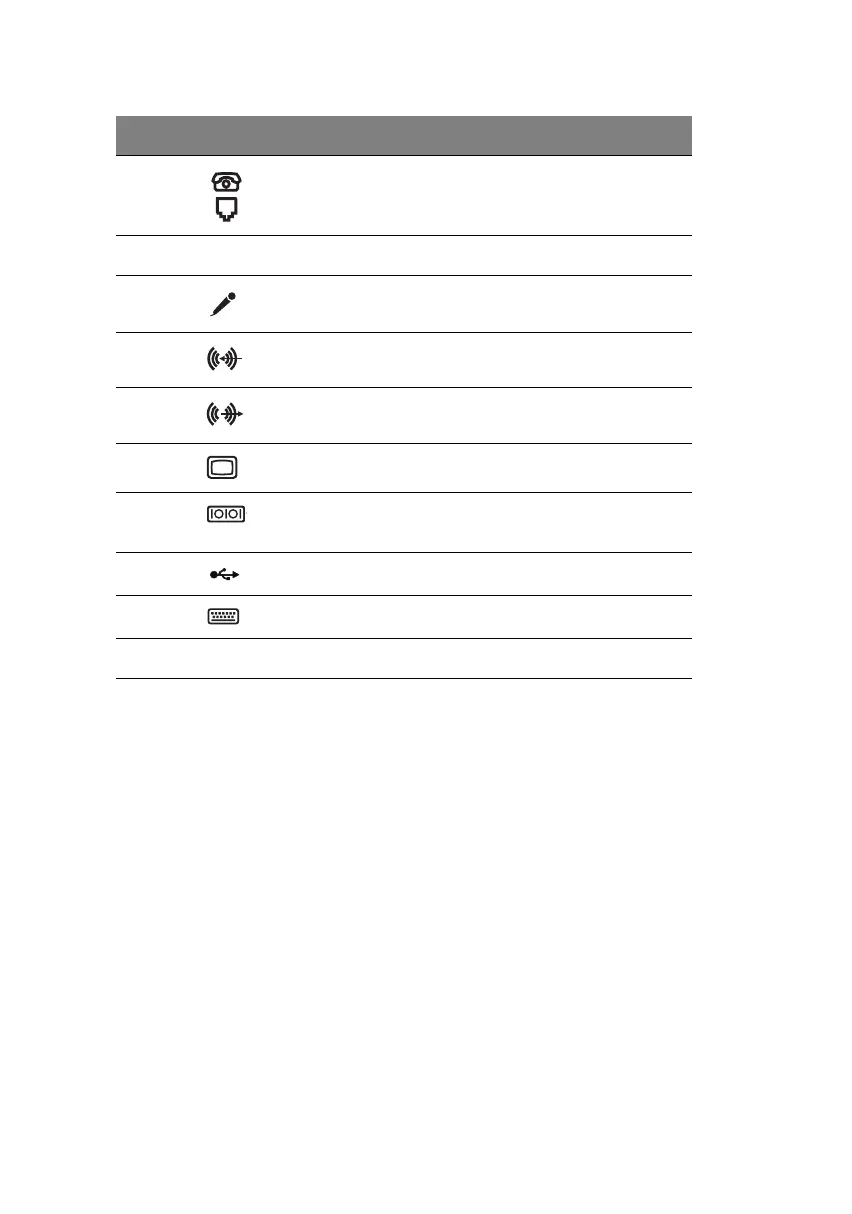
i Black Handset/telephone line ports
(optional)
j Expansion slots
k
Microphone-in port
b
l Light blue Audio-in/Line-in jack
m Lime Audio-out/Line-out jack
n Blue CRT monitor port
oTeal or
Turquoise
Serial port
p Black USB ports
q Purple PS/2 keyboard port
r Power cord socket
a. The CRT monitor port is automatically disabled when an add-on VGA card is installed
into the system. Connect the monitor to the VGA port instead.
b.The system has two microphone-in ports (front and rear). However, you can not use
both of them at the same time. The default setting for your system enables the micro-
phone-in port in front and disables the one at the back.
Label Icon Color Component
ver3200AAC-0.book Page 14 Friday, March 2, 2001 3:52 PM












 To Next Page